Visual Studio: PRESENTON!


It sounds a bit like something Inspector Gadget may say: PRESENT ON! But this is a command in Visual Studio that makes VS shine for presentations. I spoke about it in my video on presenter tricks, but I love it so much it needs its own blog post too! Simply put, it makes the entire VS look better:
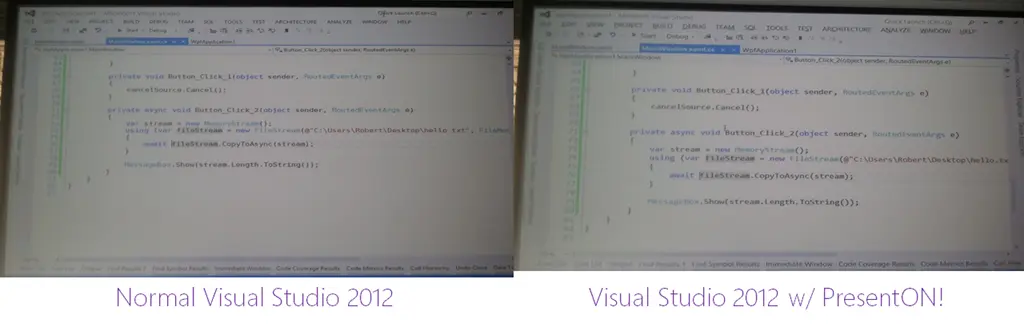
To show this, I took a photo (with a camera phone) when off and when on during a talk I recently gave. Just looking at the difference—the second is easier to see what is going on.
While it does a lot, let me highlight some of the critical differences:
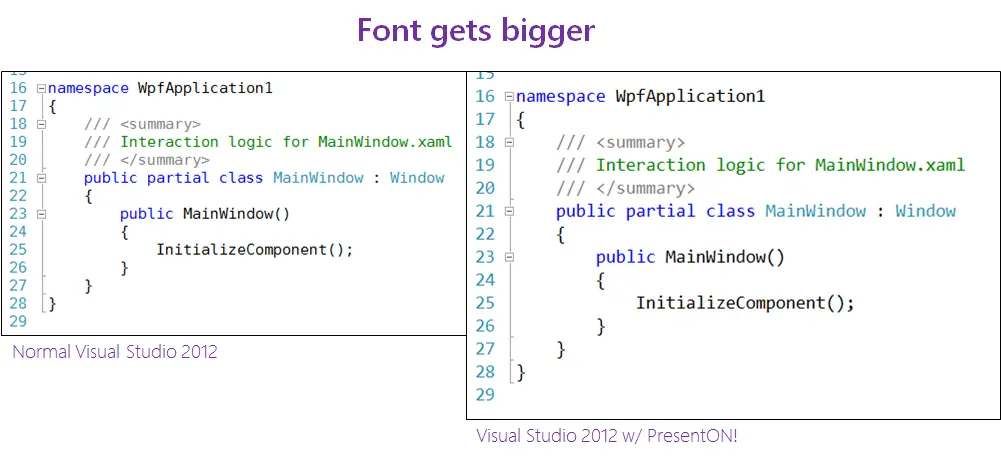
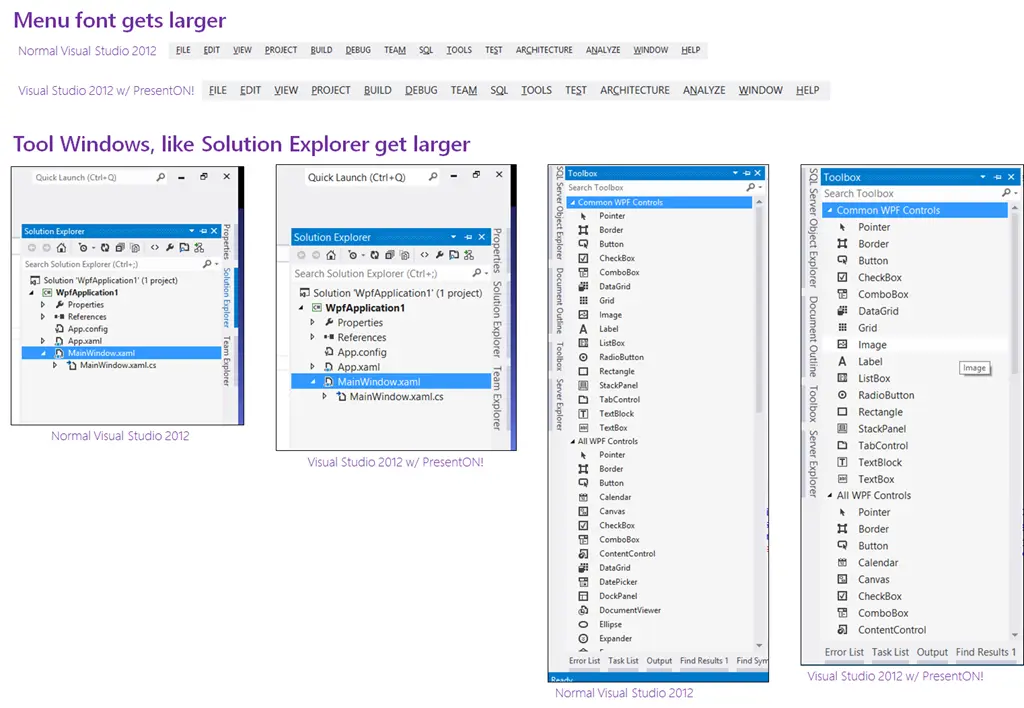
So how do you use this?
First, you must download the Productivity Power Tools extension from Microsoft. This is a free extension and not only gives you this but also provides a lot more awesome functionality.
Next, go to the Quick Launch box in Visual Studio 2012.

Now type: PRESENTON and hit Enter (or click the item in the list when it appears). BOOM! Done! Happy audiences!
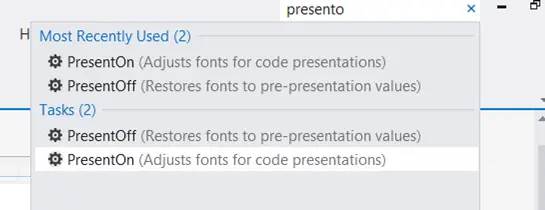
When you're finished, just type PRESENTOFF in Quick Launch and you're back to normal.