How I Build Presentations, day 4: Slides
Published on Estimated reading time: 2 minutes


For the rest of the posts in this series, please see the series index.
What a day! When I said yesterday that I could feel it coming together, I did not expect it to be so fast. Now, at the end of day 4, the fundamental slides are done! Here are the changes for those who are watching the slides evolve:
- The slides I mentioned on day 2 that were in danger of being removed are now gone.
- I moved the demos after the explanations—I did this because this is such a complicated topic, and I need to explain upfront so I don’t lose people during the demo. Normally, I prefer the opposite, as it adds more excitement to the presentation.
- Another demo has been added—the slide on debugging; I just can’t explain it well enough in words, so it will be a demo now.
- Added 5 slides with code in them; these are great alternatives to demos because they don’t break (like demos can), keep the session moving forward, and won’t bog it down with too many demos. Animation can help illustrate the code, but I’m not using it here—it’s still an option. The risk of these code slides is that they might bore the audience if overused. For these, I’m using them to illustrate alternatives to the demos I’ll do earlier in the presentation, which seems like a nice trade-off between keeping things entertaining and getting through everything.
- References are now hidden—if people need to see them, they can ask or download the slides. No one will be able to copy down that many references during a presentation anyway.
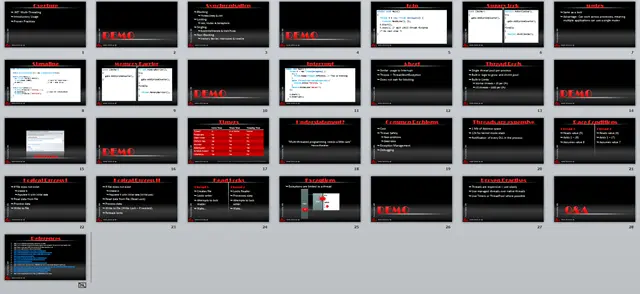
Slides at the end of day 4