Windows Store app Development Snack: Stop asking for the SMS code when going to the dashboard
Published on Estimated reading time: 1 minutes


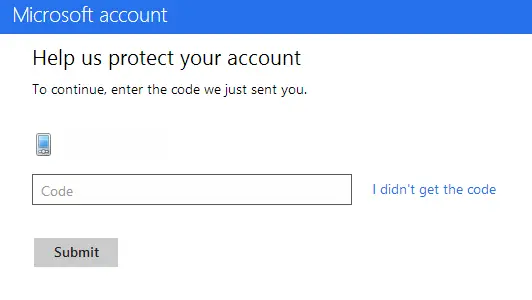
When you get to publishing, you may find it annoying to go to the dashboard as you're often asked to put in a SMS code for verification. The cause here is that your browser is seen as insecure, and thus you must confirm the login. So what’s the solution?
- Step 1: Make sure you log in to Windows 8 with the same credentials as you use in the store.
- Step 2: When you added your Microsoft Account to Windows 8, it would’ve emailed you a link to verify the computer. Make sure you’ve clicked that link.
- Step 3: Use IE 10 and log in to the dashboard.
And—problem solved! Now it will only ask you to log in and confirm the login when the session expires.