Windows Store app Development Snack: Lock screen image pain


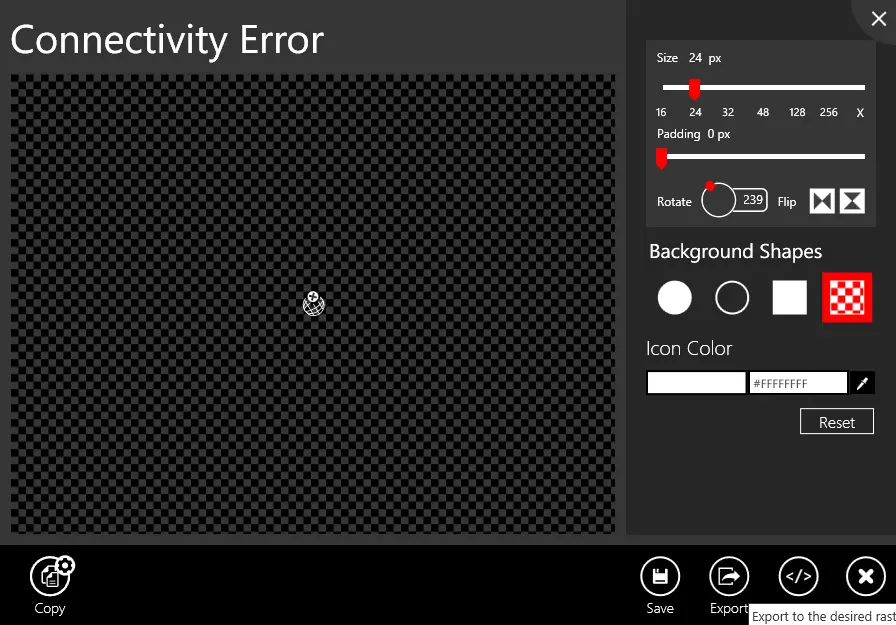
 In a recent application, I made use of the amazing Metro Studio tool for the logo of the application and needed to create a lock screen image. Lock screen images must be white & transparent and 24px square, so I used the tool to create the image as shown below.
However, I kept getting an error when trying to certify the app:
Image reference "ClusterGroup.png": The image "\ClusterGroup.png" has an ABGR value "0x9BFEFEFE" at position (8, 0) that is not valid. The pixel must be white (##FFFFFF) or transparent (00######).
Huh?! My image is white & transparent! Using the awesomely improved graphic editor in Visual Studio 2012, I went to check the pixel (column 8, row 0) from the error message. I used the eyedropper tool to get the color into the right-hand window, and sure enough, it isn’t white. It is a grey color used for anti-aliasing. (This has been reported to Syncfusion – but there was no response at the time of publishing.)
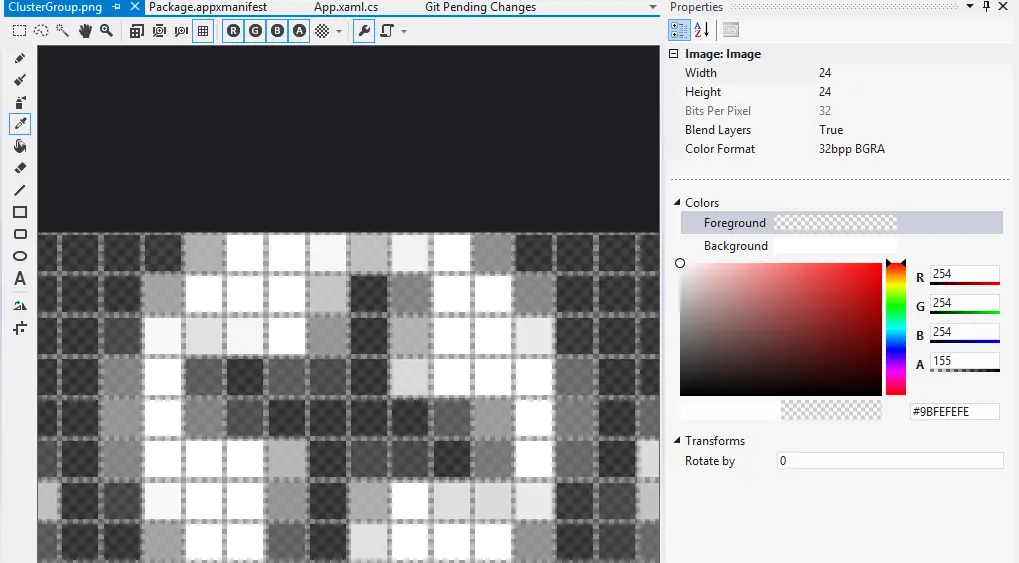
The problem is that this isn’t valid—you can only have:
- Fully transparent (alpha channel must be 00######, RGB can be anything)
- White (RGB must be fully opaque, e.g., ##FFFFFF, with transparency allowed: #77FFFFFF, etc.).
The solution is to use transparency for anti-aliasing rather than grey. For me, the fix was to manually edit the pixels to resolve this issue.