Windows Store app Development Snack: Feedback links in your app


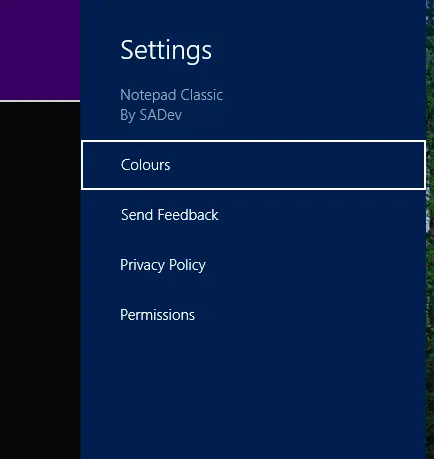
Something I have started doing with my applications is making it easy for users to send feedback—since that’s the best way to improve them based on the feedback of those who use them. The question then becomes: How do I collect this feedback?
I could add a screen in the application, but I decided on a simpler method instead: email. All I need is a way to launch the email program—and ideally have my email address and subject prefilled—which isn’t possible with the Share contract experience.
The solution? Protocol handlers—a method we’ve used for years before Windows 8, particularly the mailto protocol.
How do you launch a protocol handler in a Windows Store app? The same way you launch a web page: via the Launcher.LaunchUriAsync method.
Protocol handlers also open up a lot of possibilities for sharing between Windows Store apps and Windows desktop apps!