Windows Store app Development Snack: Background Colour


When you are configuring the appxmanifest for your Windows Store app, one of the options is the background color for the tile—you should always set this!
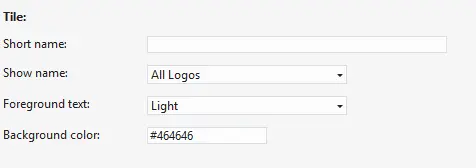
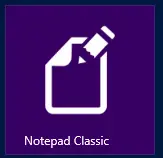
It is used for two things. First, if your image is transparent, this is the color that will show through—for example, in Notepad Classic, that’s what I do: the actual image is just plain white with transparency.
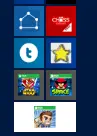
The second case—less obvious—is when a small icon is needed, such as when you perform a pinch gesture on the Start screen (semantic zoom). The background color serves as a border around the image. Below is a screenshot from my machine, and you’ll notice two apps have an ugly black border—that’s because they don’t have a matching background color set!
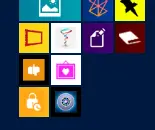
This isn’t always possible, especially for games with rich tile icons—see Angry Birds in the screenshot below—but I’d still suggest choosing a similar color where possible. For example, the top two below have matching colors, and Jetpack Joyride (the last one) uses white, which is better than that ugly gray.
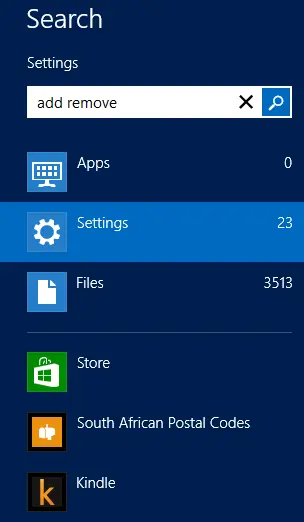
Another location where the small icon appears is in the search charm.