Windows 8 Keyboard Shortcuts
Published on Estimated reading time: 2 minutes


Note: This relates to the Windows 8 Developer Preview. Your mileage may vary, and this may change.
Updated: 20 September 2011 — included four new shortcuts!
New in Windows 8
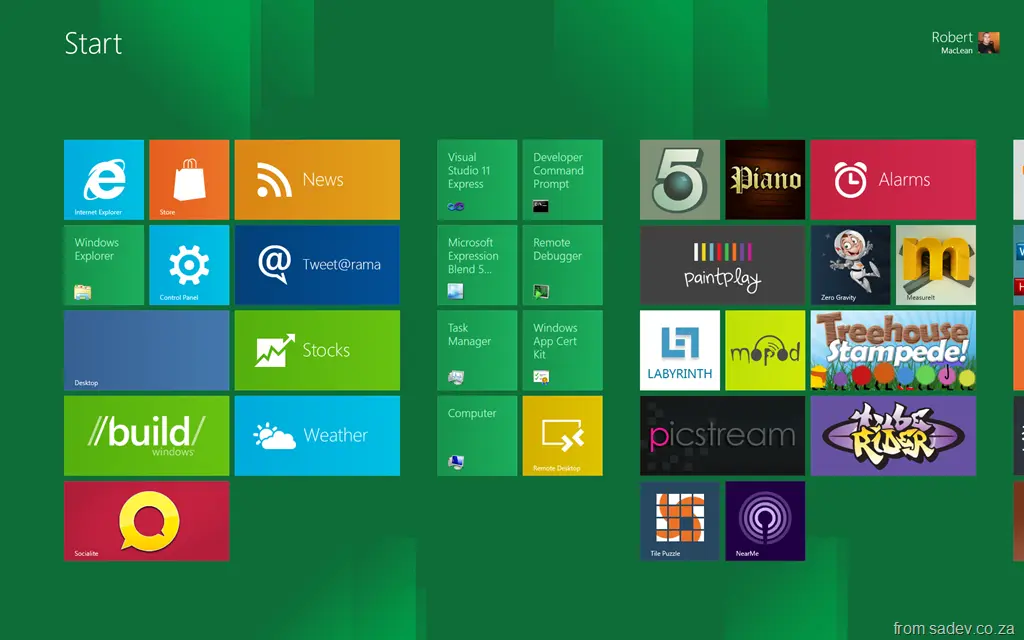
- Win: In Start page, toggles between the last app and the start page. For example, if you have Weather open, it will toggle between that and the start page. In desktop mode, it jumps to the start page.
- Win+Z: (NEW) Brings up the UI for the Metro-style application. For the browser, this brings up the address bar and tabs; on Copper, it brings up the in-game menu. Very useful. Some apps also support this on right-click.
- Win+PgDn or Win+PgUp: (NEW) Toggles the "main" screen when you have multiple monitors, like clicking the white monitor icon. Very useful to toggle the location of the Start page.
- The white monitor icon:

- The white monitor icon:
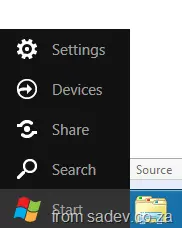
- Win+C: Brings up the clock and Start menu:
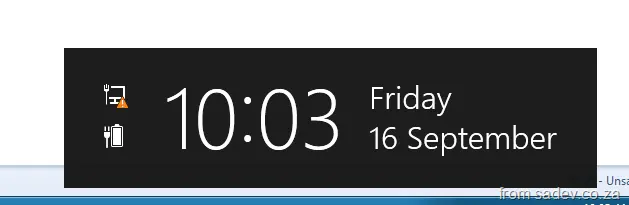 &
& 
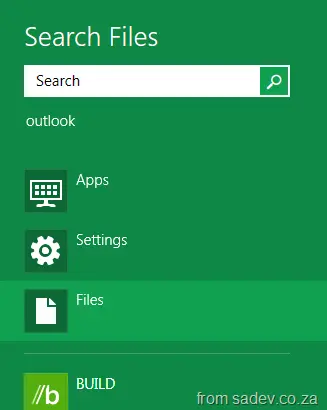
- Win+F: Brings up the Start file search. This is very useful for quickly finding an app:
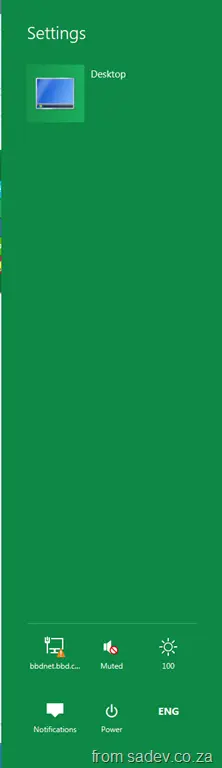
- Win+I: Brings up the settings pane (the bar on the right-hand side for settings) for the current application:
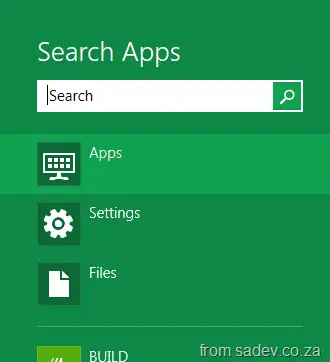
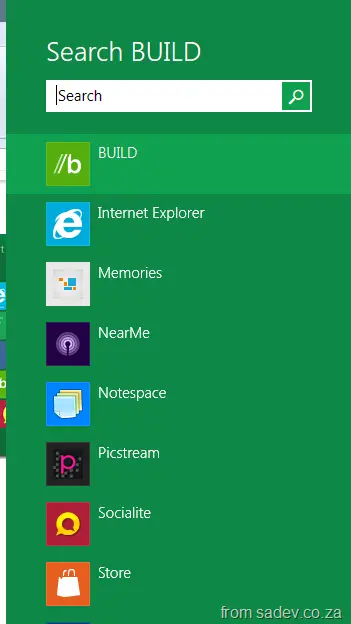
- Win+Q: Brings up contextual search. For example, in desktop mode, you get BUILD search; on the Start page, it brings up app search:
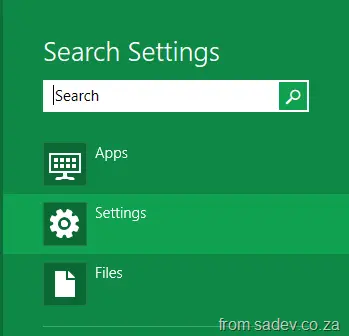
- Win+W: Brings up the settings search:
Other ones – most from Windows 7 (still functional)
- Win+B: Focuses the system tray. If you’re on the Start page, you’re taken to desktop mode. -
- Win+D or Win+M: Minimizes to desktop — if you’re on the Start page, you’ll be taken to desktop mode.
- Win+E: Launches Explorer — if you’re on the Start page, you’ll be taken to desktop mode.
- Win+L: Locks your screen.
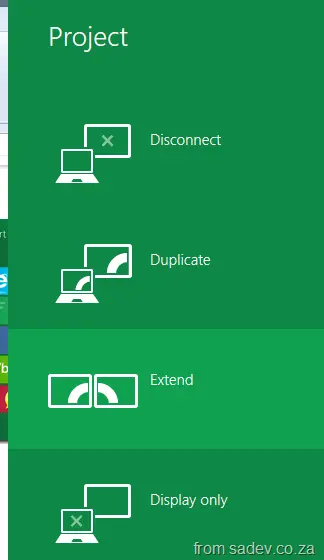
- Win+P: Brings up multi-monitor options. Requires two or more monitors plus drivers that support it:
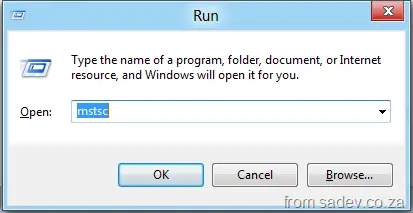
- Win+R: Run dialog:
- Win+T: Focuses the taskbar. If you’re on the Start page, you’re taken to desktop mode.
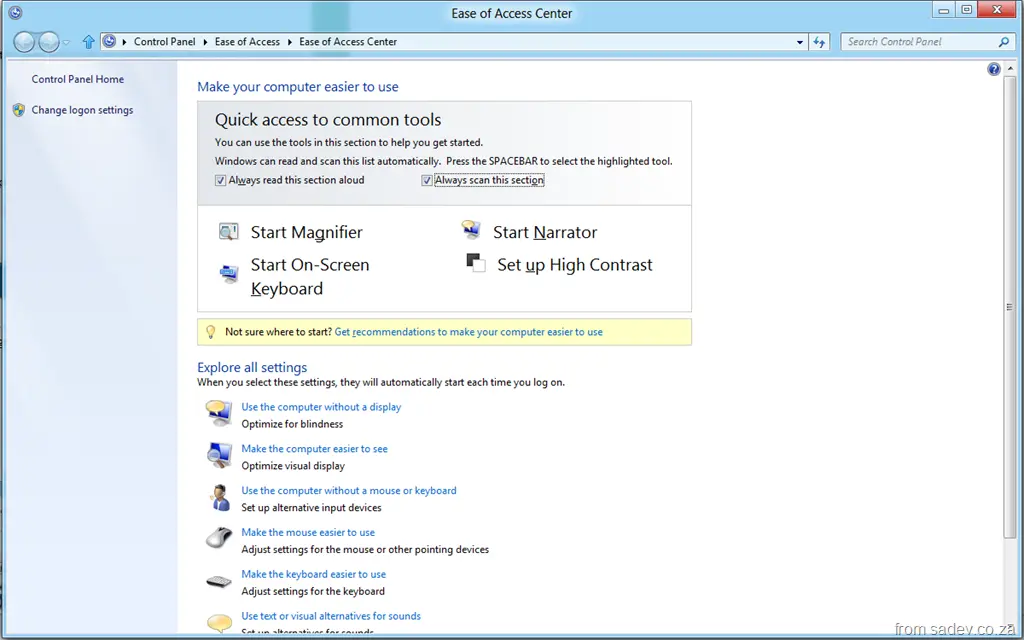
- Win+U: Brings up Ease of Access options:
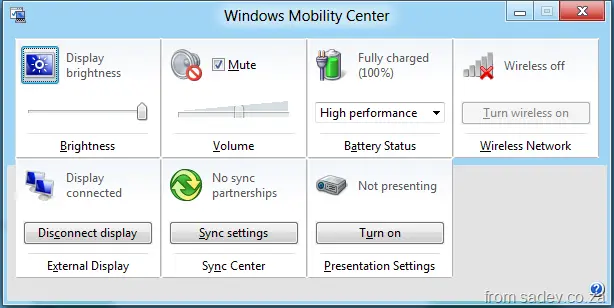
- Win+X: Brings up the Mobility Center:
- Win+Y: Performs an Aero Peek of the desktop.
- Win+Number: Launches the app in that taskbar position (e.g., Win+1 launches IE, Win+2 launches Explorer, Win+3 launches Chrome, etc.):
- Win+Home: (NEW) Minimizes everything except the current app — very useful in multi-monitor setups. Keep hitting it to cycle windows.
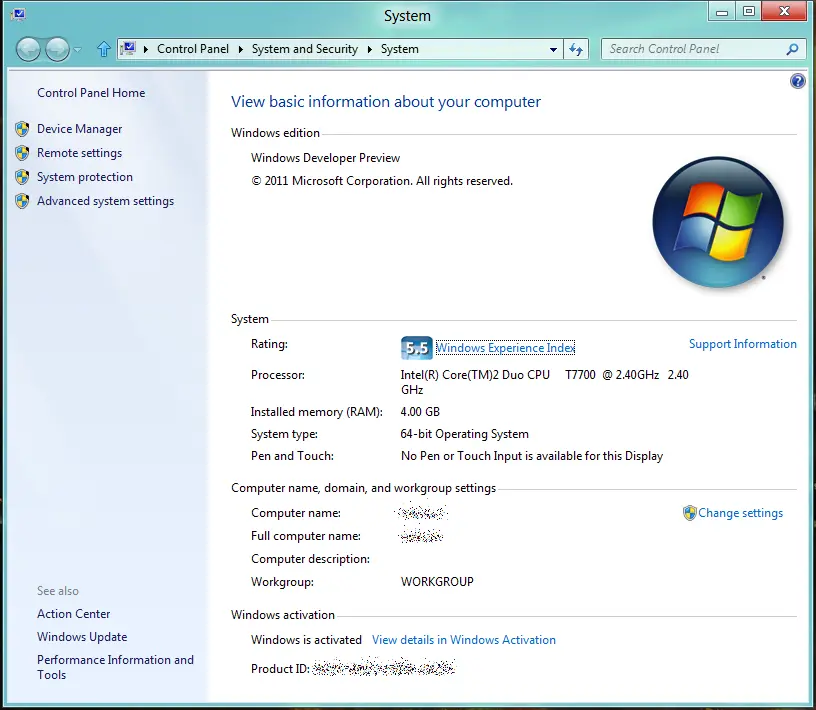
- Win+Pause: Brings up the system properties dialog: