What Office taught me about Visual Studio? A very cool toolbox trick.


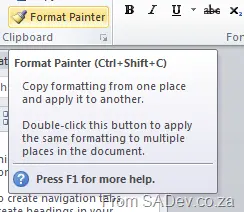
I spend a significant amount of time in PowerPoint, and to get a consistent look and feel in my slides, I often use the Format Painter option. Using this tool, you highlight some text/image/video, click the Format Painter button, and then paint over some other text/image/video. It applies the format settings from the first group to the group you paint.
What if you want to do this over and over? You might think you need to highlight → click → paint repeatedly, but Office has a trick—double-click the button! Then you can highlight → double click → paint → paint → paint.
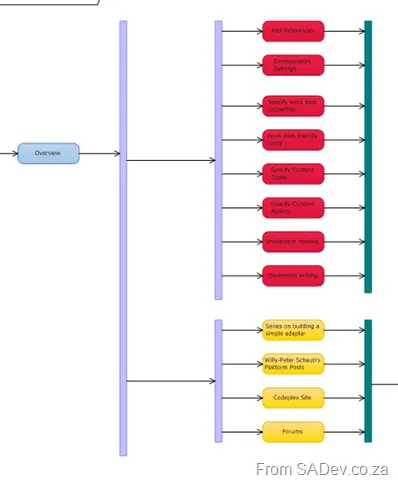
So how does this help in Visual Studio? I’m working with UML diagrams at the moment and needed to connect a bunch of items. The first few times, I did the following:
- Click the connector in the toolbox → click the source item → click the destination, then repeat from the start.
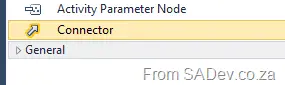
Suddenly, I thought—maybe it works like Office—and you know what? It does! You can double click a toolbox item, and then it becomes sticky. Adding lots of them is easy!