Stripping background images from PDFs


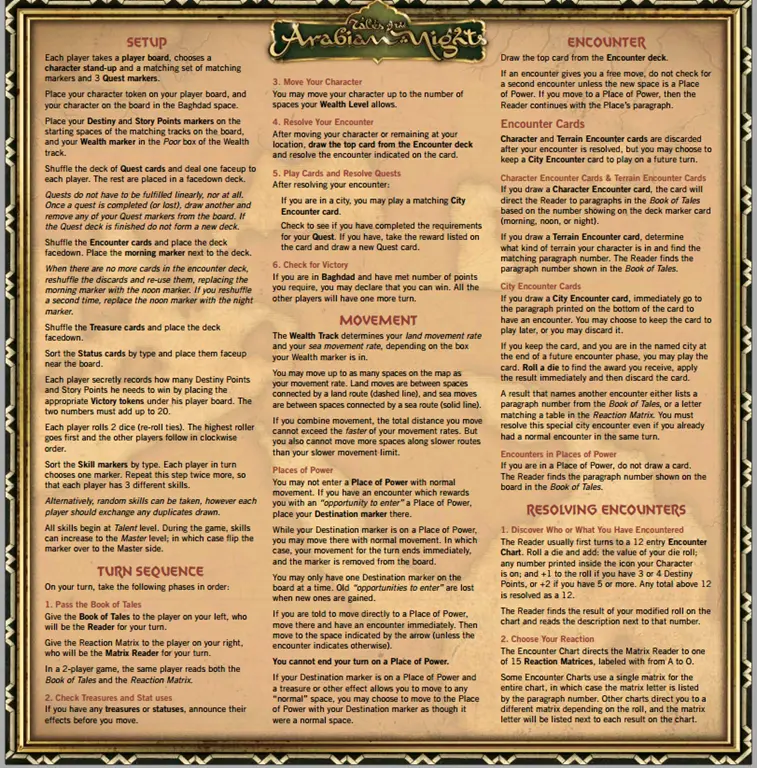
Sometimes I get a PDF I want to print, but there’s a background image or color that will eat too much ink, and I’d like to remove it. The example I’m going to use is the rules reference for Tales of Arabian Nights from The Esoteric Order of Gamers, which has a very bold parchment background.
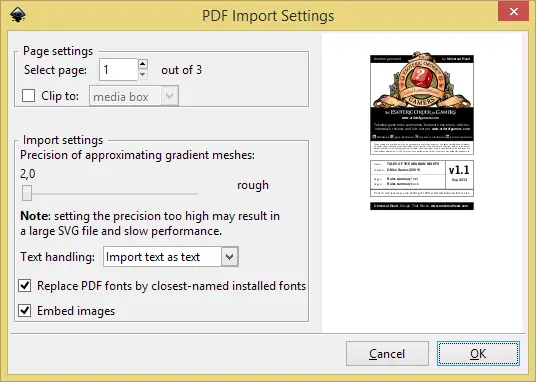
This is a fairly simple job—you just need the right tool, and that tool is the FREE (and open-source) Inkscape. Once you’ve downloaded and installed it, browse to your file and open it. Being a PDF, you’ll be presented with a dialog asking you to convert it. You’ll need to do one page at a time, so select the page at the top.
Once you hit OK, it will import the file, and you can then select the background image and delete it. You’ll note that some of the text is in the wrong font—that’s because I don’t have the right font installed. Often, you’ll need to do cleanup like this (and possibly re-add logos), but that’s up to you depending on how polished you want the final result to be.
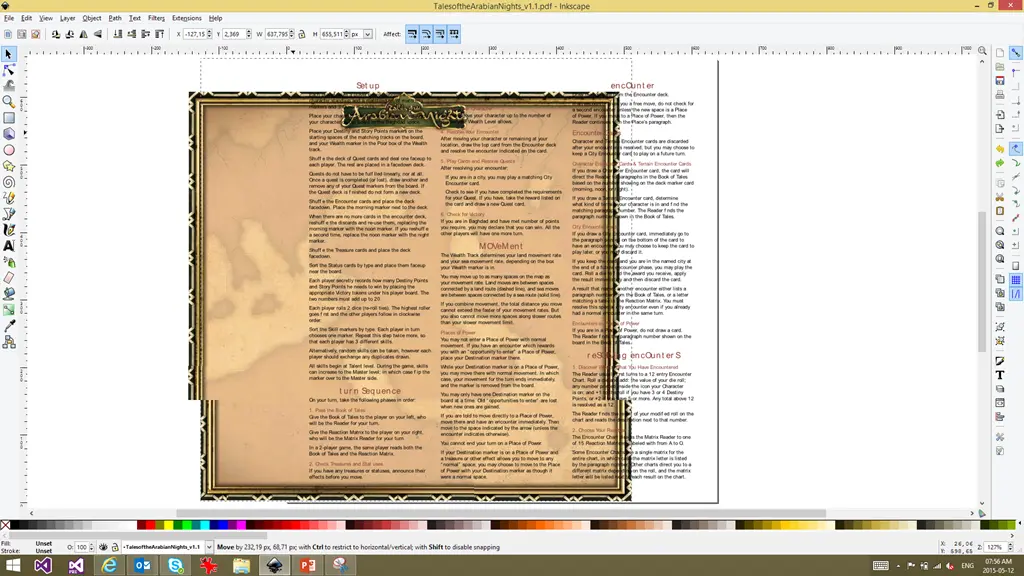
Once done, use File → Save As to save it back as a PDF. The biggest pain is that you’ll need to repeat this process page by page, ending up with numerous files (one for each page). But since the goal is to print it, it isn’t a big deal.
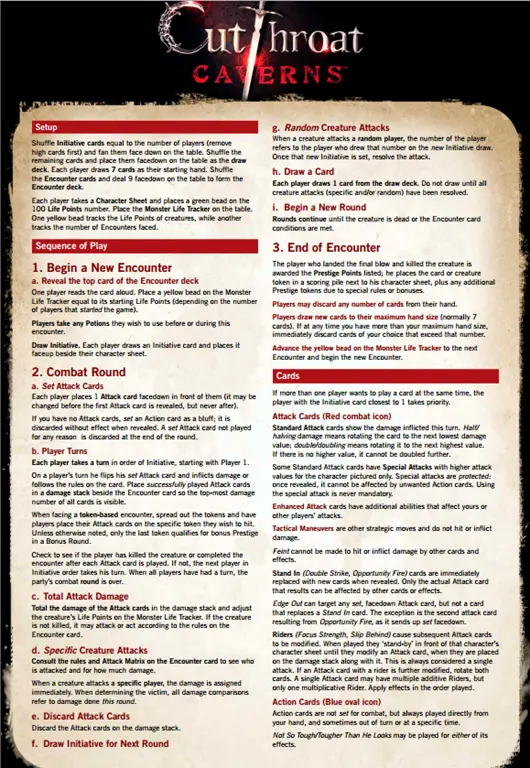
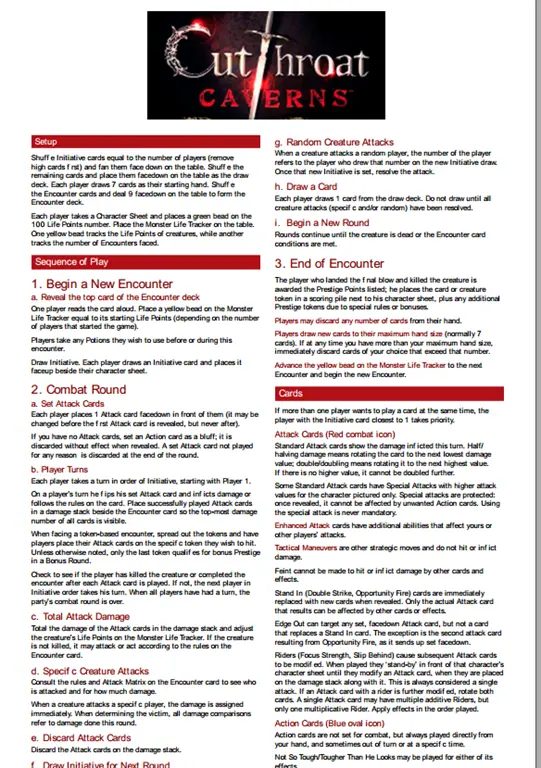
Here’s the before and after for another one I did: