Pull: January 2011 release


2011 has started off well with the new release of Pull! This release is a major update where the focus was on improving the experience on the front end.
Ribbon
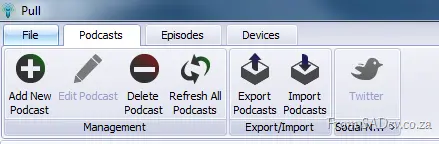 You either love it or you hate the ribbon, but there is no doubt that it makes you more productive—and we’ve moved to that with this release.
There has been discussion about moving the Episodes ribbon around, so this may change. Please join that discussion or post issues if you have other items you’d like to change—see the Issue Tracker.
Cover Flow
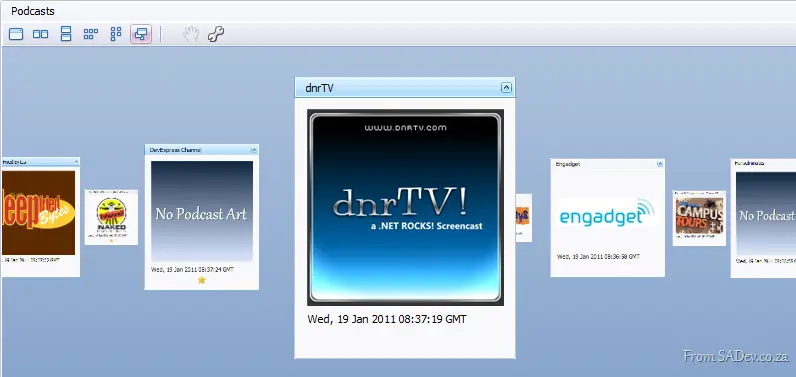 We now show podcasts using cover flow, meaning we now attempt to pull down the podcast art! This makes it much nicer to browse and move around podcasts.
However, maybe you don’t like this—check out the toolbar options:

- Show one podcast at a time
- Stack the podcasts horizontally instead of the cool carousel flow
- Same as 2, but with vertical stacking
- Stack across first, then stack vertically
- Stack vertically first, then horizontally
- Carousel mode (default)
You can also use the wrench to customize the cards and change what is shown—like removing the image and status icon and shrinking the size:
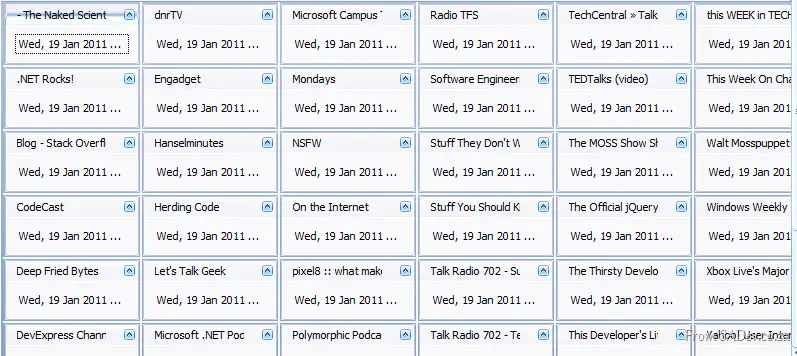
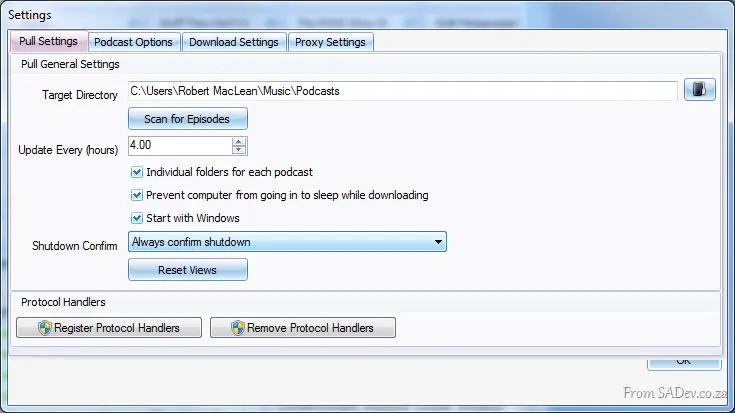
And if you want to revert—you can use the reset views button in the settings.
Powerful Grids
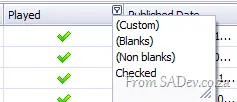 Both the episode and download queue grids have been greatly enhanced.
- Changes now persist!
- You can reorder and resize columns.
- Full filtering support is included!
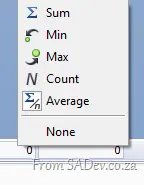
- A total bar appears at the bottom, which you can toggle on/off or customize (try right-clicking).
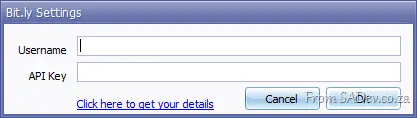
 Twitter support has received a major overhaul, addressing previous issues! One feature you might want to check out: the small arrow below the button, which lets you specify your http://bit.ly username and password.
Export
You can now export to .xlsx (Excel 2007/2010) and .html, in addition to .csv.
Coming up next?
As this is a fairly major release, we want to focus on polish and smaller features for the next update!