Pin-a-note
Published on Estimated reading time: 1 minutes


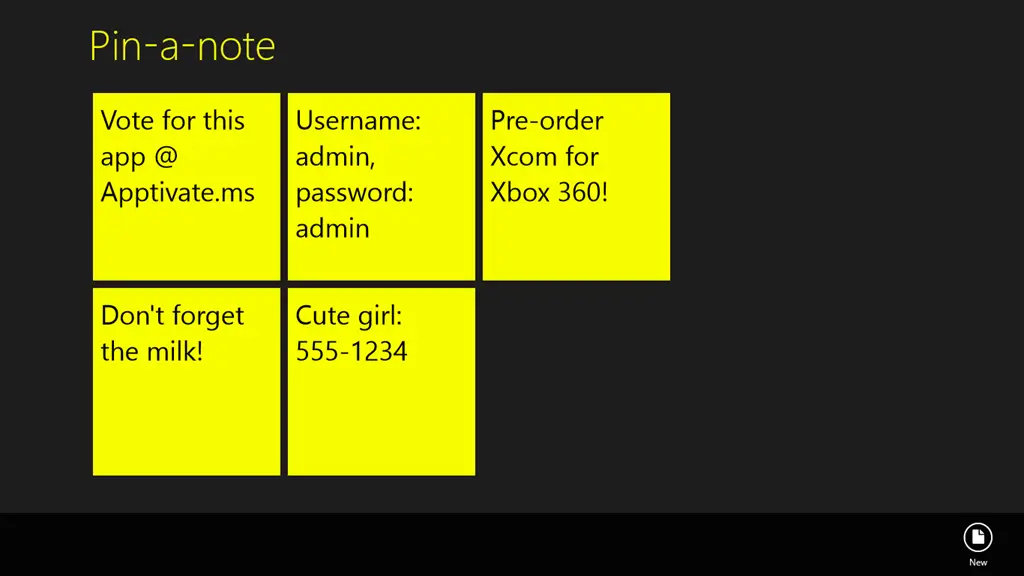
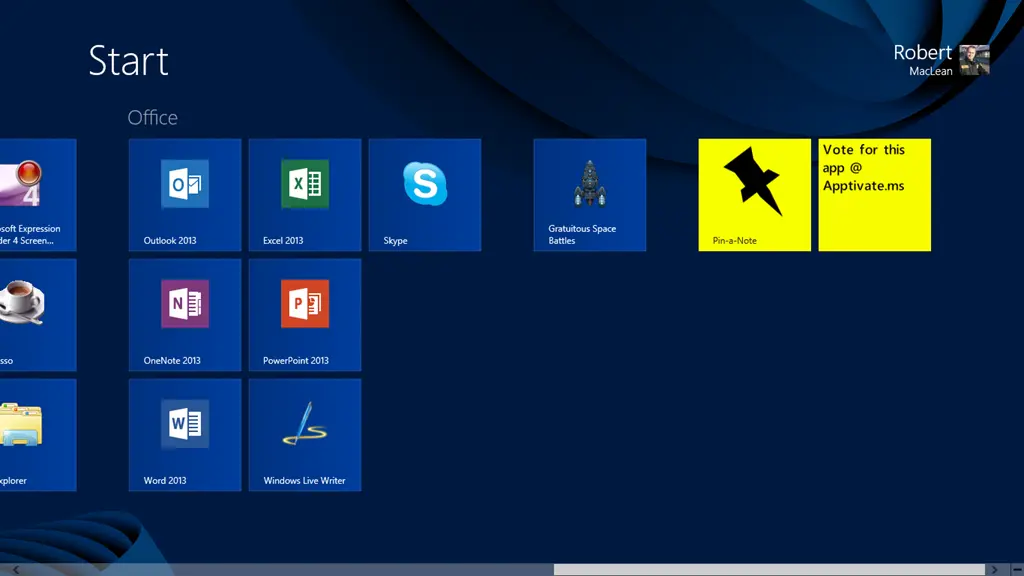
 Do you wish you could stick a note to your start screen? Now you can!
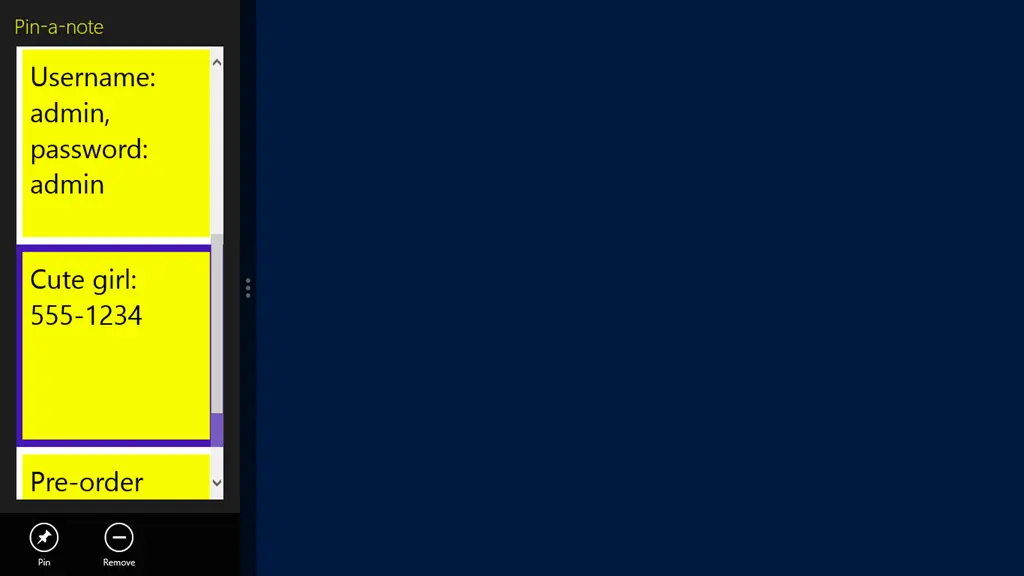
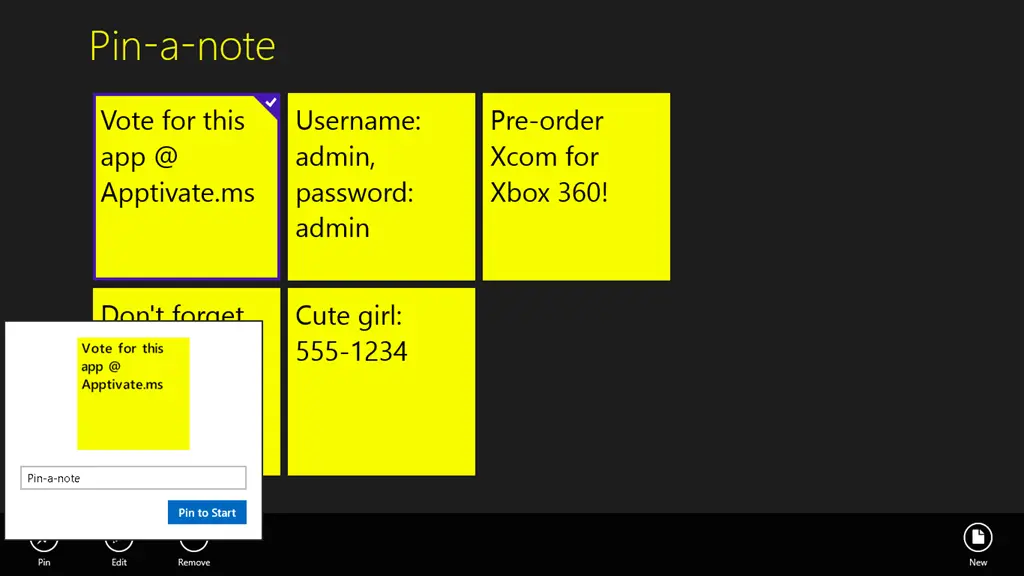
Pin-a-Note allows you to store your notes in this fantastic application and then pin any of them to the start screen, so you can easily see them at any point!
Compared to the sticky notes gadget in Windows, this has some advantages and disadvantages—you have less text space but save considerable memory. However, notes automatically sync to all your devices, and you can have non-pinned notes kept in the app too.

Video
Screenshots
Pin-a-Note makes use of icons created by the awesome **(and free) Metro Studio 2.
Updates
16 October 2012
- When you click edit/add, the keyboard moves to the text field—allowing you to type straight away!
- Hitting Enter in the text box could be used to add/update the note!
- Selecting a note will make the AppBar visible if it currently isn’t.
- Clicking pin will show the progress ring while we render the note.
- Included a training popup to help people get started!
- Included an easy way to provide feedback.
- Minor internal tweaks.