Pepper: A Visual Studio Settings Synchronisation & Backup Extension


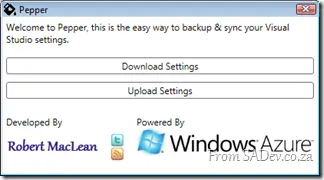 Pepper is a new free extension for Microsoft Visual Studio 2010 that I have created to solve a major pain point I’m calling SLM (setting lifecycle management 😜). The problem is that settings inside Visual Studio are vast and complex, and configuring your IDE is a labor of love—taking years of fine-grained tweaks. I can personally trace back my settings to sometime in 2005 and have been tweaking and fiddling ever since.
Once, when I moved jobs, I forgot to copy my settings, and VS felt broken until an ex-colleague was able to restore a backup from my old laptop and send me the file. Wouldn’t it be great to have a backup system in the cloud—say, on Azure?
This brings up another interesting scenario: what if I have multiple machines? Can I back up on one machine and restore on another? Giving me a synchronization system for Visual Studio settings?
Pepper does exactly that. It automates the export and import of settings and allows you to store them in a SQL Azure database!
This is the first release, and while it has had some beta testing, it’s not perfect. So please, if you try it and it fails, let us know in the discussions.
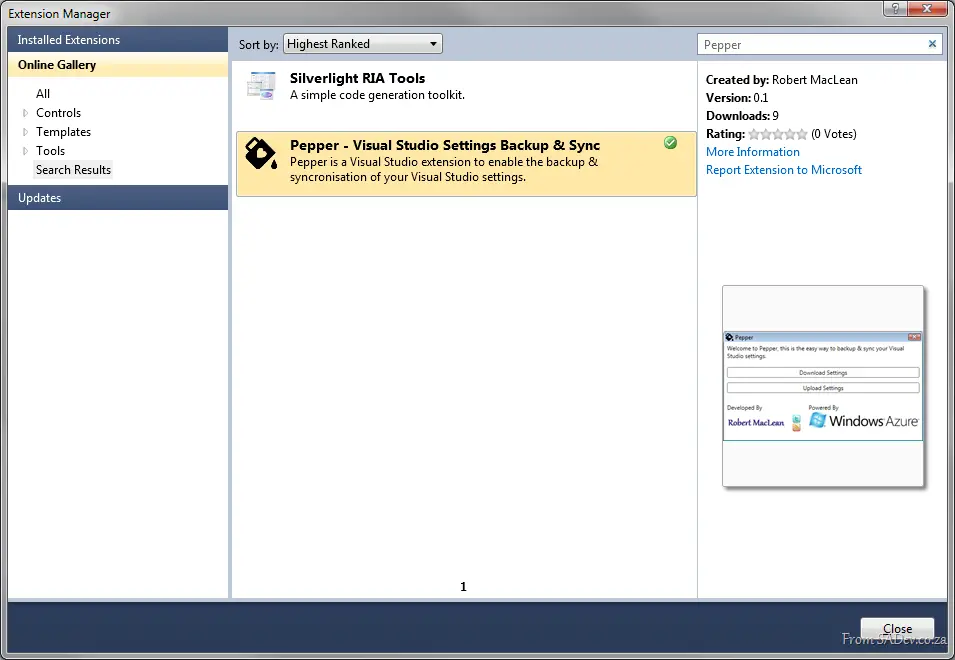
Pepper is available in the Visual Studio Gallery, meaning you can install it and keep it up to date inside Visual Studio!