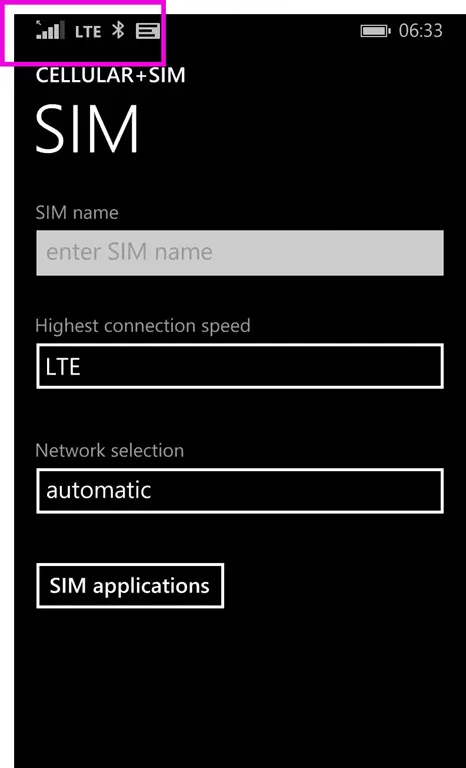
This one weird trick will improve your cell phone signal
Published on Estimated reading time: 1 minutes


Ever notice how you’re always on 2G (Edge) mobile networks when you need some data on your phone? A while back, I stumbled on this odd trick that seems to always work (at least it did for me & a few other Windows Phone users in South Africa).
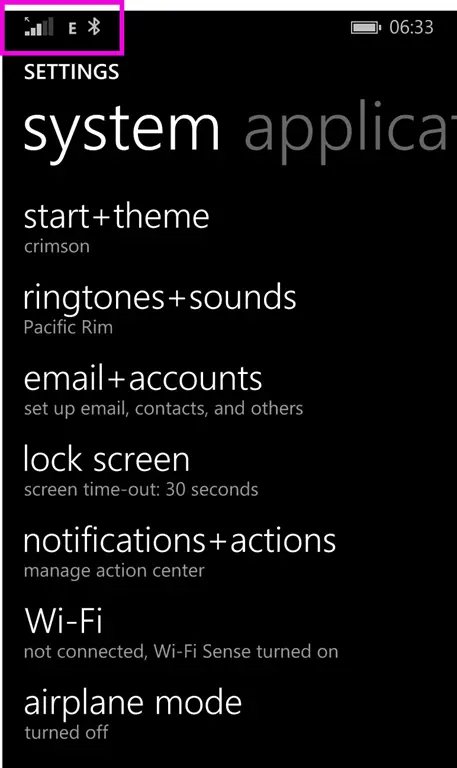
Step 1: Go to the settings on the phone—note the E in the status bar at the top, for extremely shitty network.
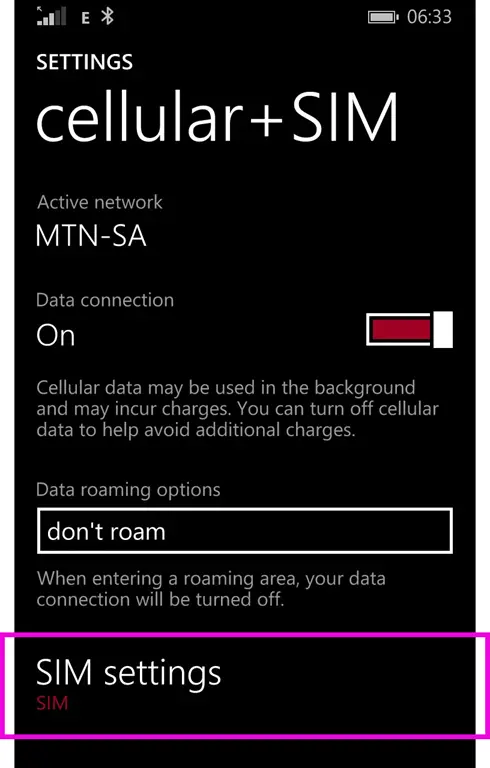
Then, on Windows Phone, go to Cellular + SIM and click SIM Settings.
Currently, it’s set to LTE (because speed!).
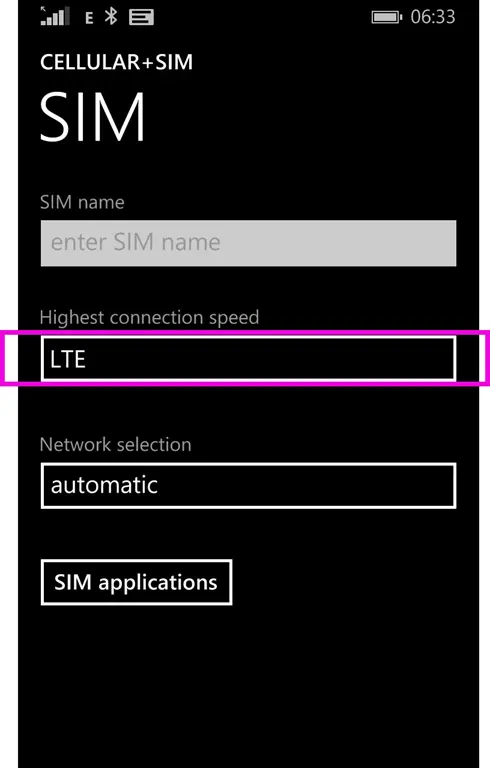
So, you force it to 2G.
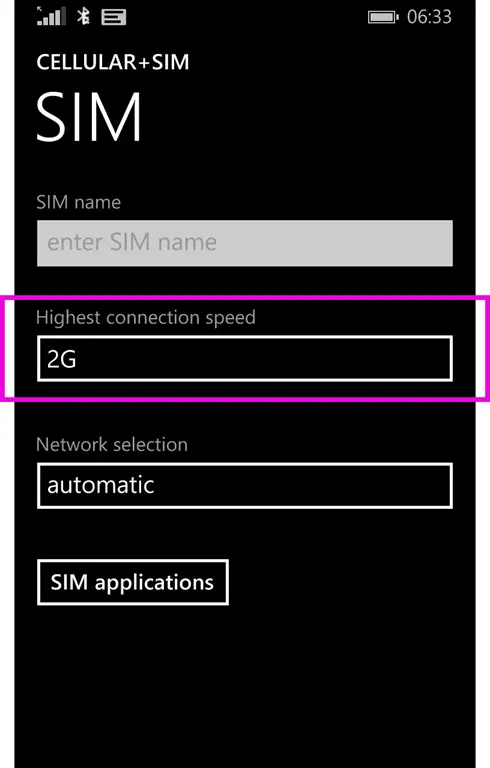
Now, give it a few seconds and change it back to LTE. After about 2 seconds, you should lose all network access.
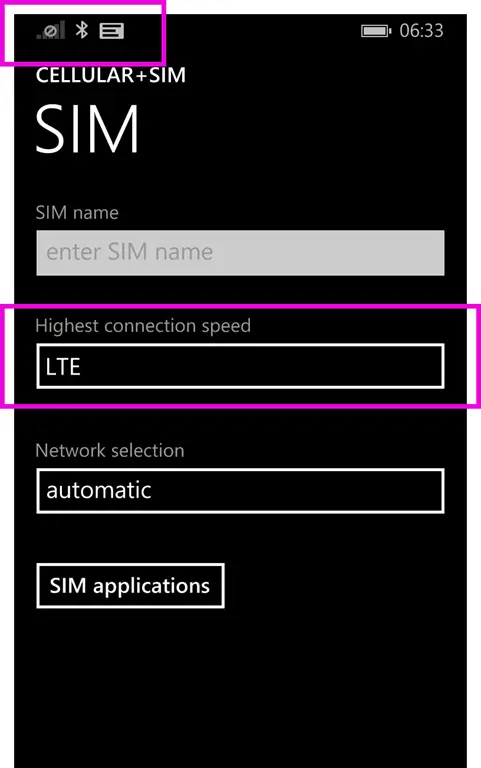
After another few seconds, it will reconnect—and it’ll be on LTE (or sometimes 3G).