Notepad Classic
Published on Estimated reading time: 1 minutes


Sometimes you just need a simple tool for a simple job, and while Microsoft offers the fantastic OneNote MX, available for Windows 8, it may be just too much. With that in mind, let me introduce a simpler text editor: NOTEPAD CLASSIC! Notepad Classic is just that—a simple text editor. Enjoy

Video
Screenshots
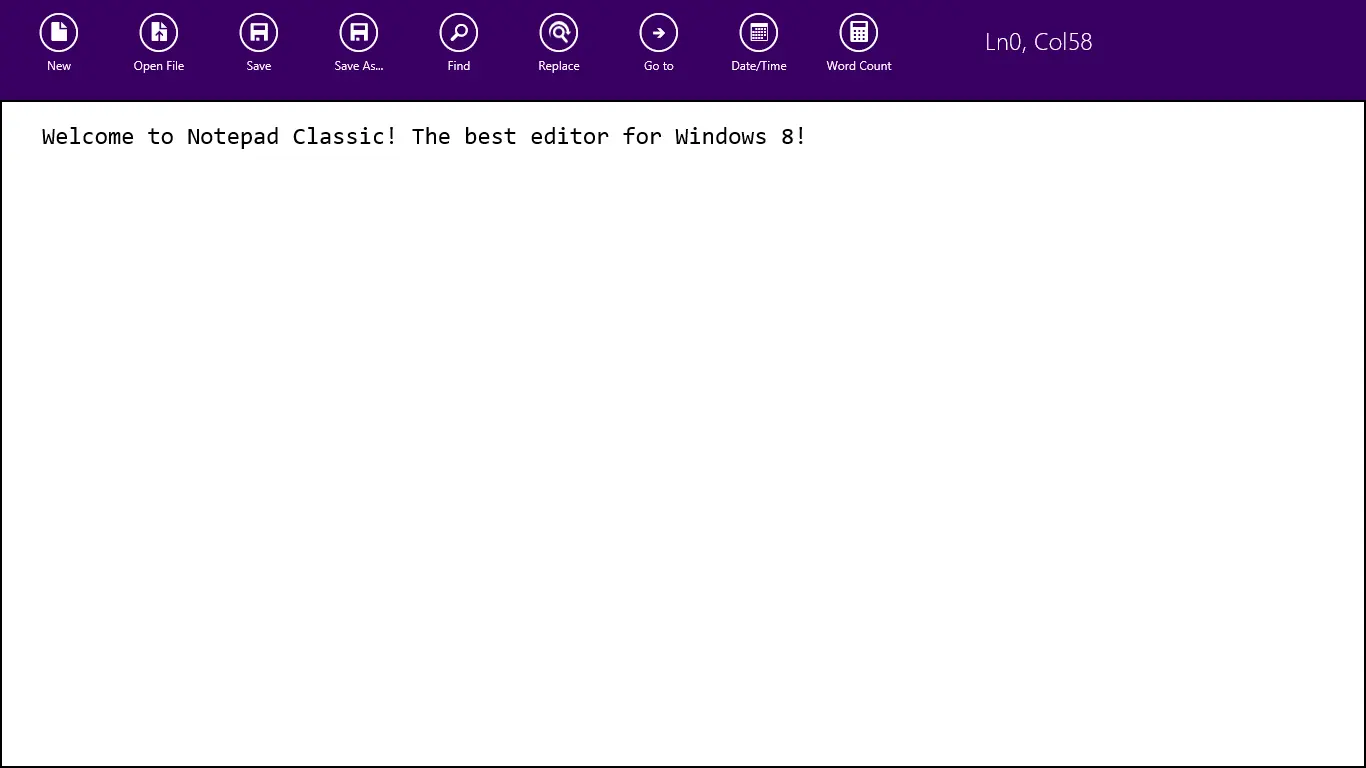
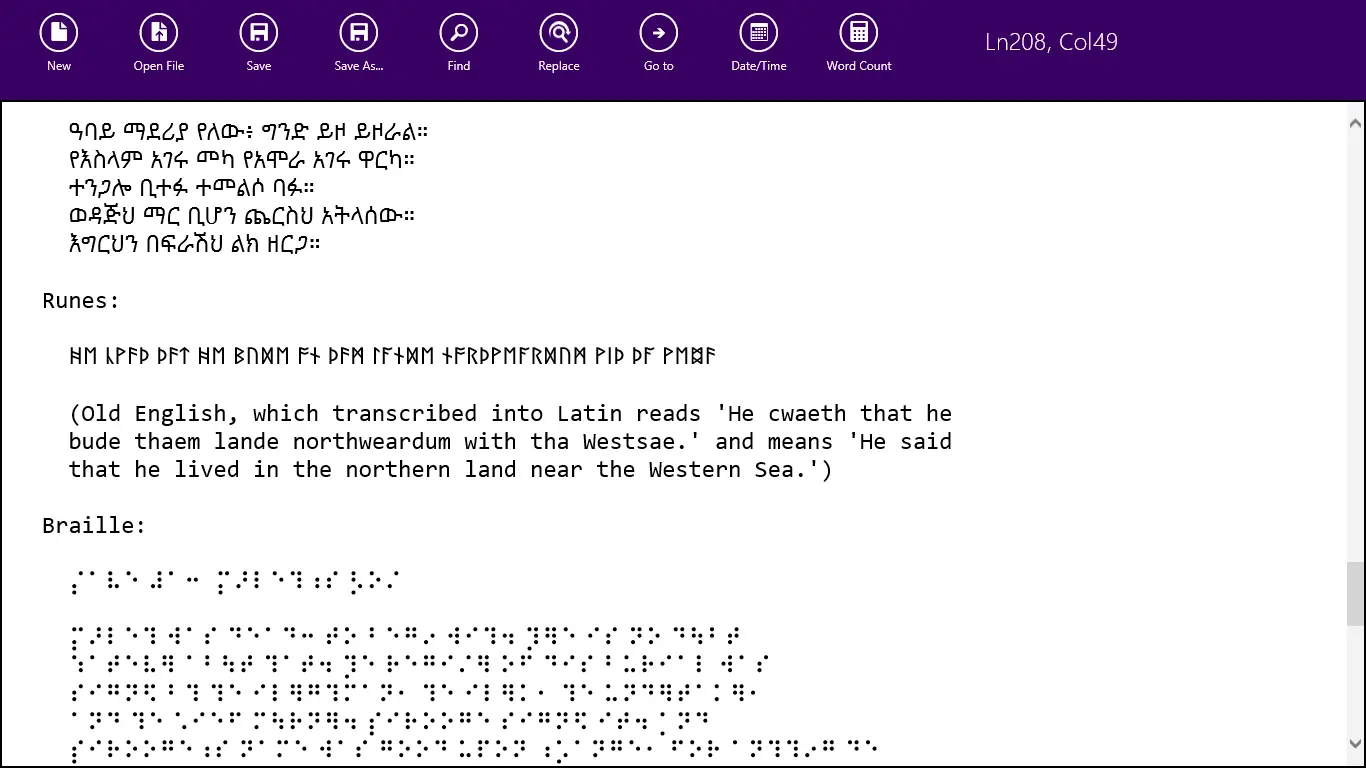
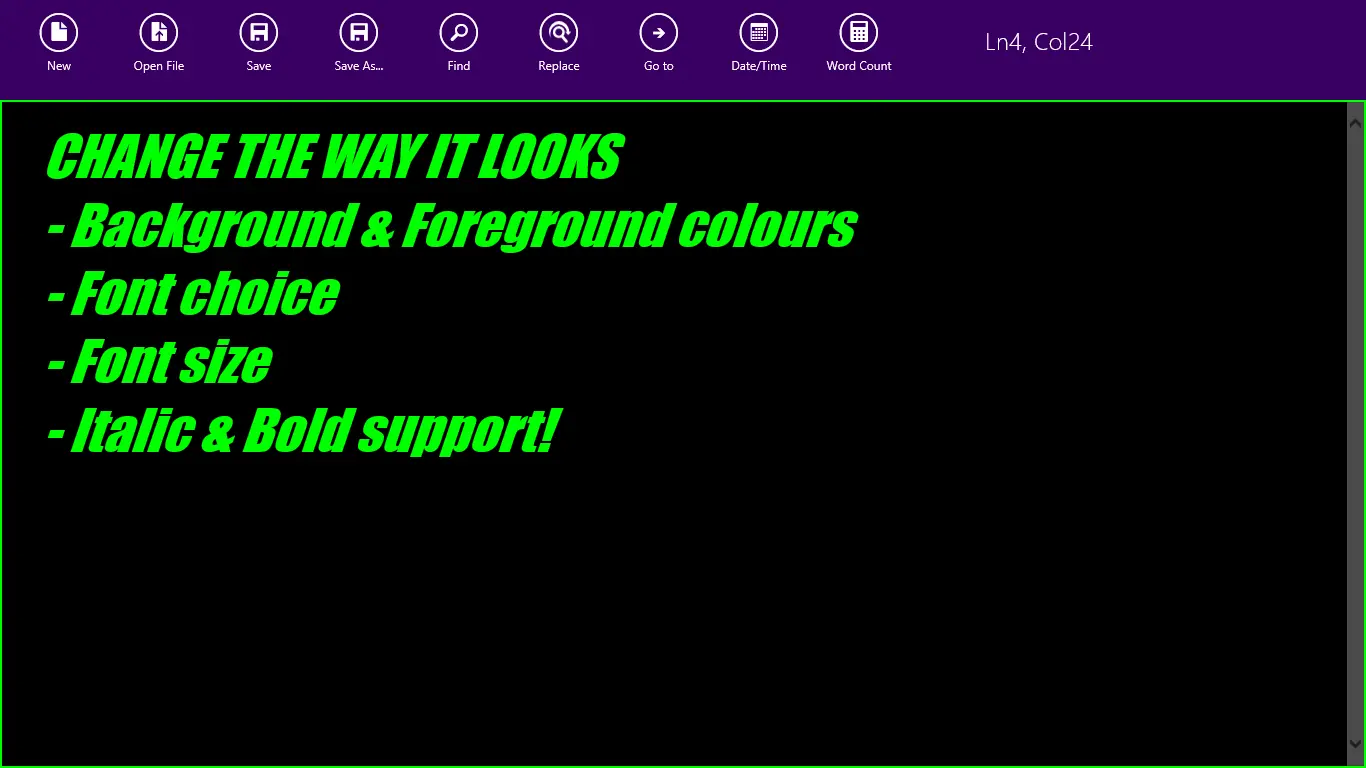
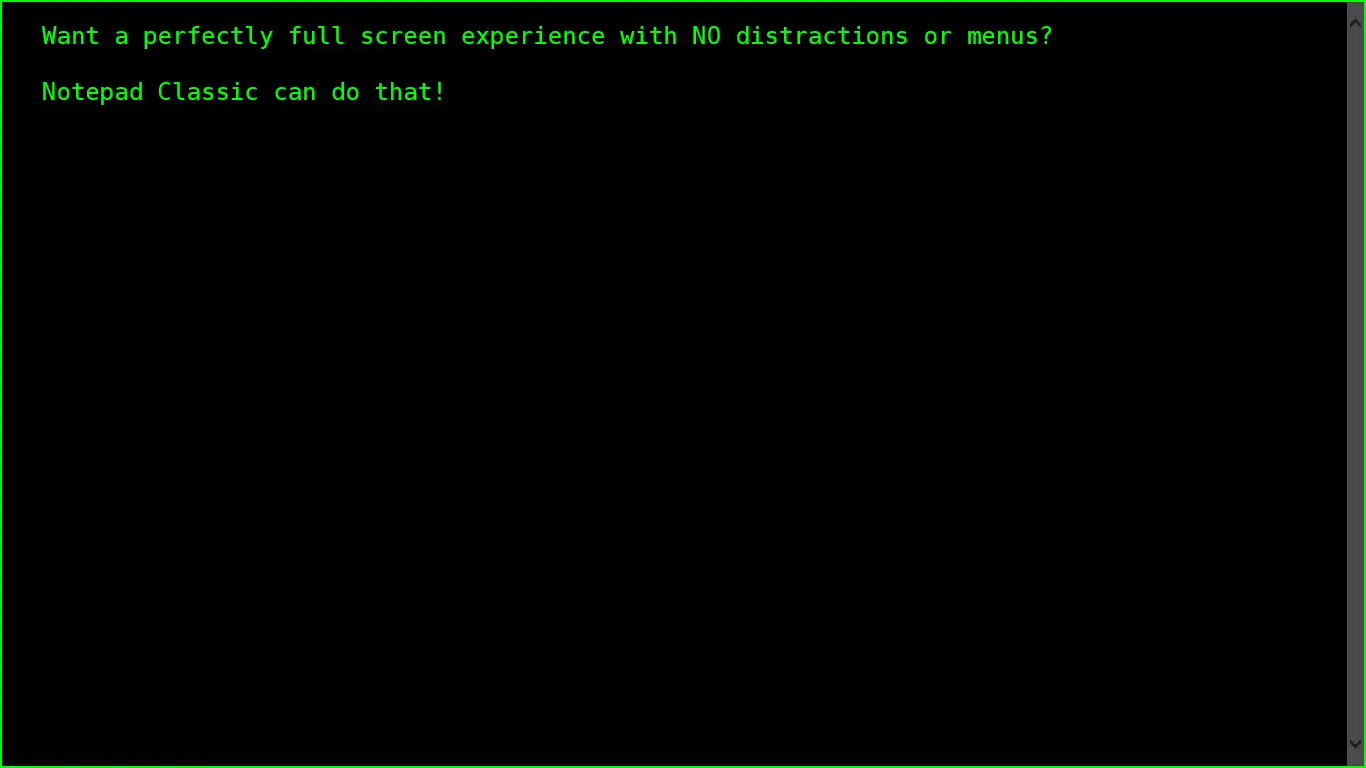
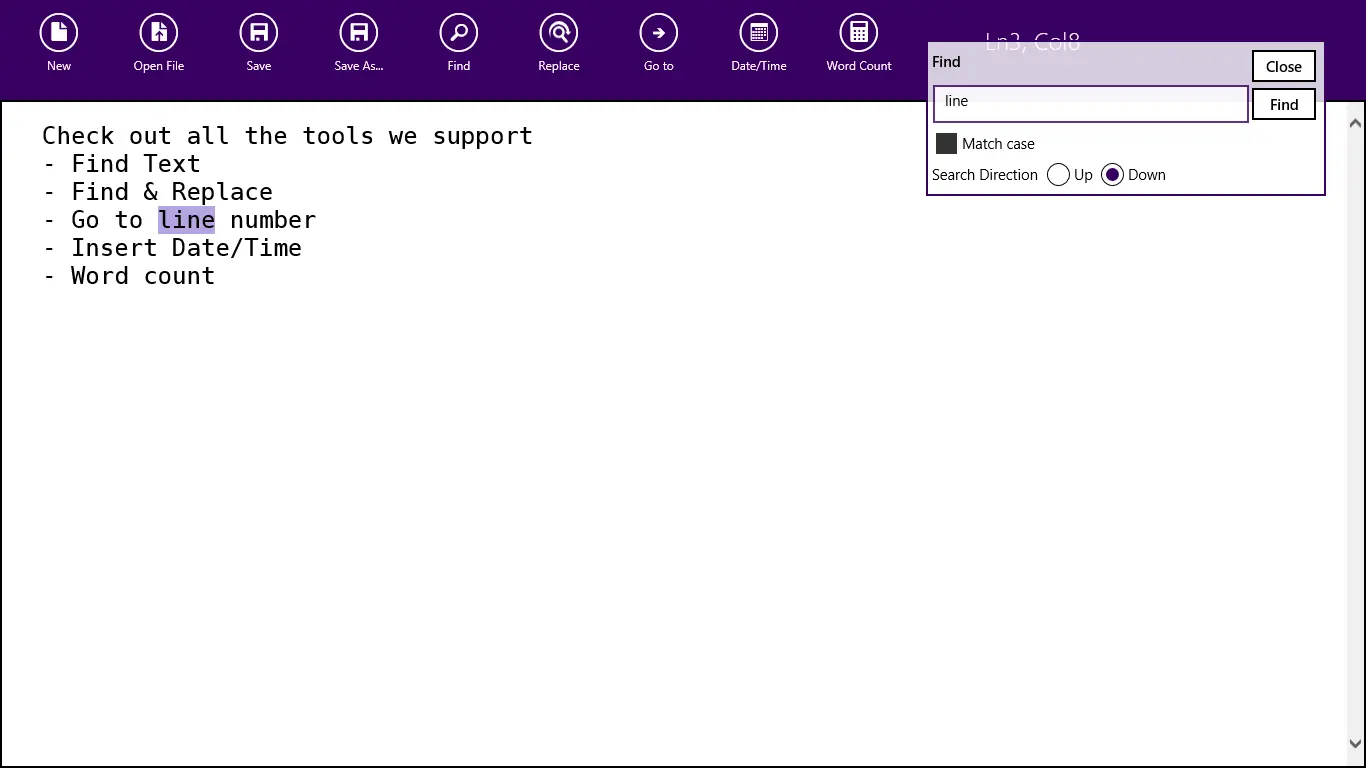
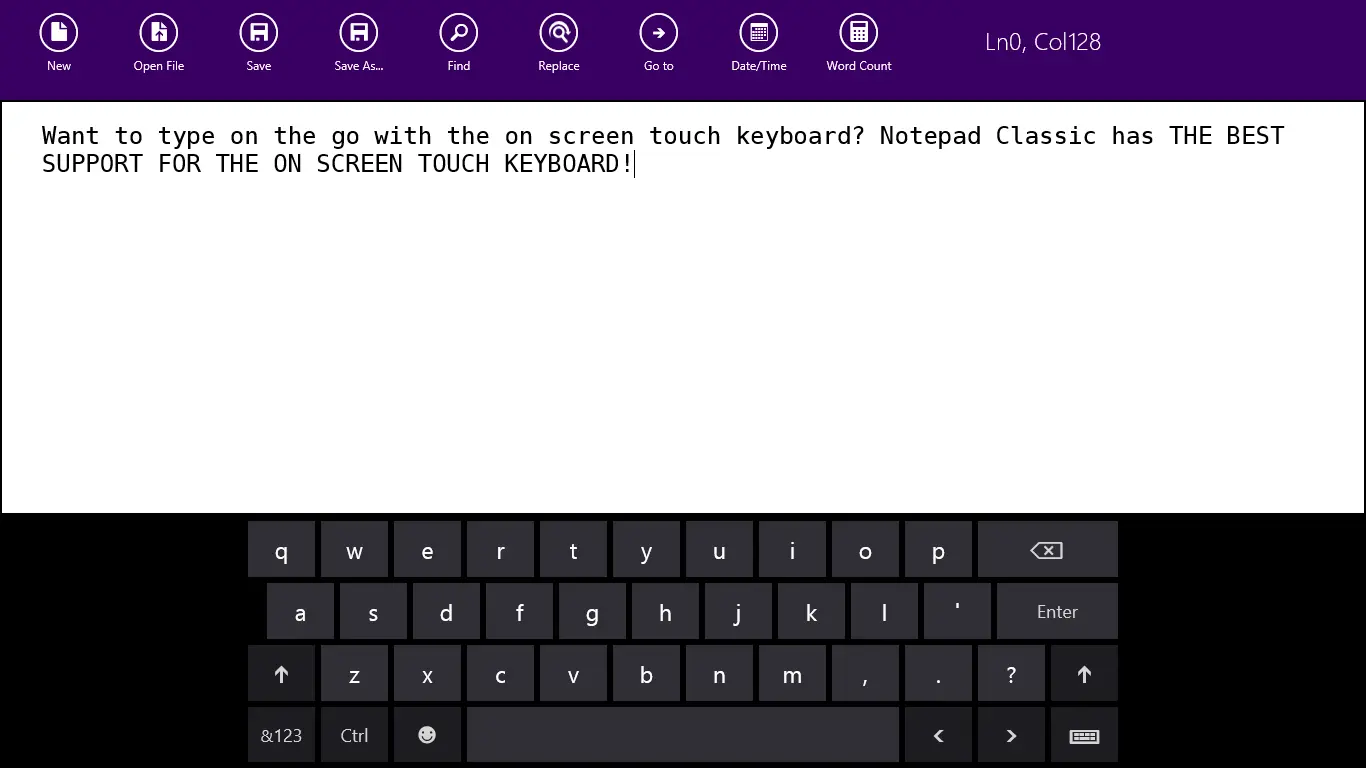
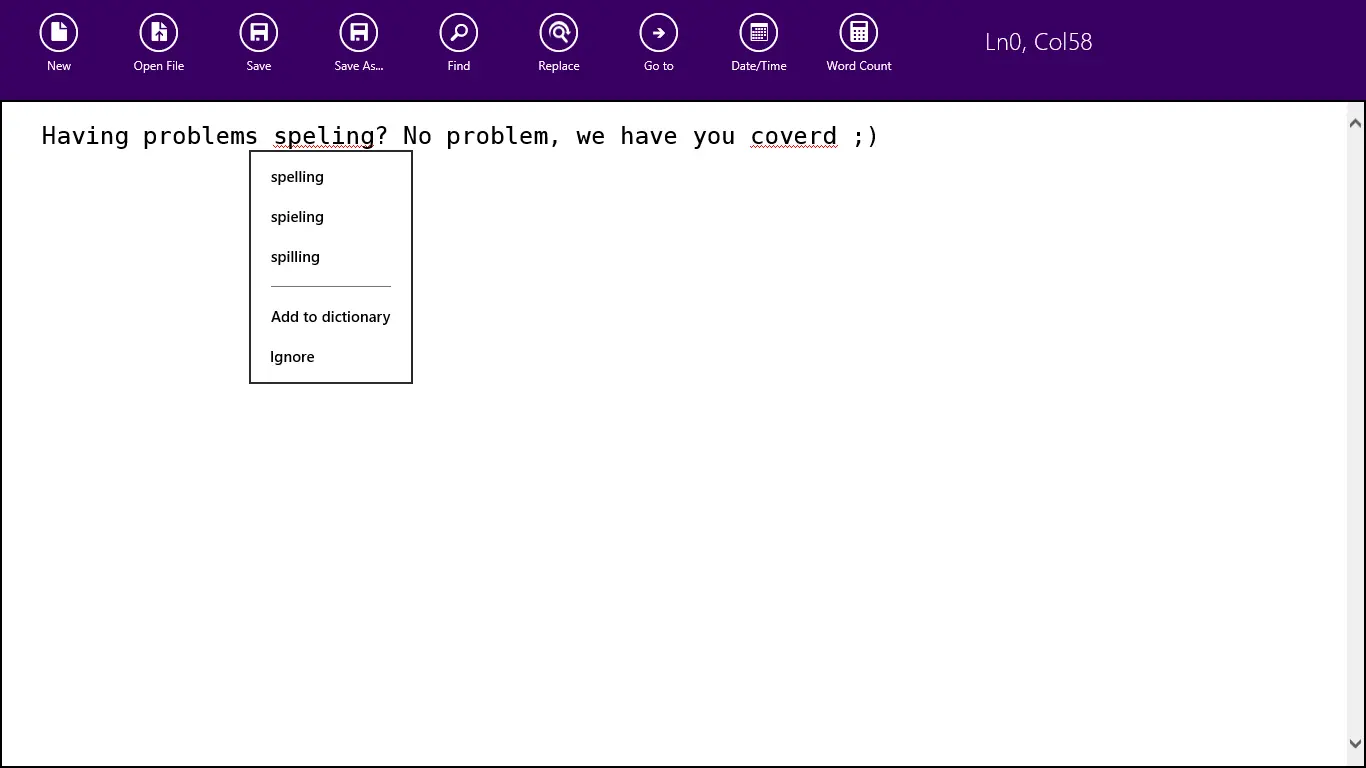
Notepad Classic makes use of icons created by the awesome (and free) Metro Studio 2.
Updates
15 October 2012
- Made the menu act like the Store app does, so you can hide them away now if you want.
- Added color options for foreground and background colors
- Added some color to the appbar
- Added feedback and privacy policy links
- Fixed the dirty flag (so less prompting to save when not needed)
- Status bar merged with the menu bar
- Fixed the wrong font being used