Missing Code Analysis
Published on Estimated reading time: 1 minutes


If you have Visual Studio 2010, you may be annoyed when you want to run code analysis, and it just isn’t there! You can configure it, but can’t run it?
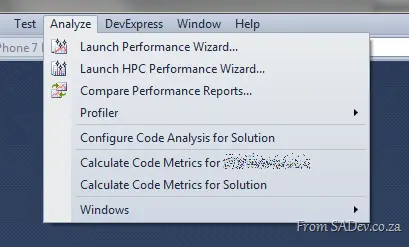
The reason is that code analysis is only available for the selected project, and you likely have the solution selected in the Solution Explorer (or Solution Navigator). You’ll need to select the project first, and it will appear.
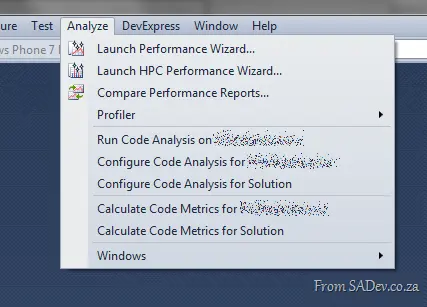
There’s still no solution-wide code analysis, though. However, I believe these annoyances will be corrected in the next version of Visual Studio 😉