Lightswitch & the HTML Client - what does this mean?


Lightswitch Recap
For you to understand the rest of this post, it is vital that you have a high-level understanding of Lightswitch and how it works. Lightswitch is a RAPID development platform from Microsoft that makes development of line-of-business (LOB) apps really easy. The team at Microsoft often talks about citizen developers—i.e., people who are not full-time developers but are the “IT guy” in the department or company that need to put together a great-looking solution. The team also talks about no-code solutions—where you can build great systems without code.
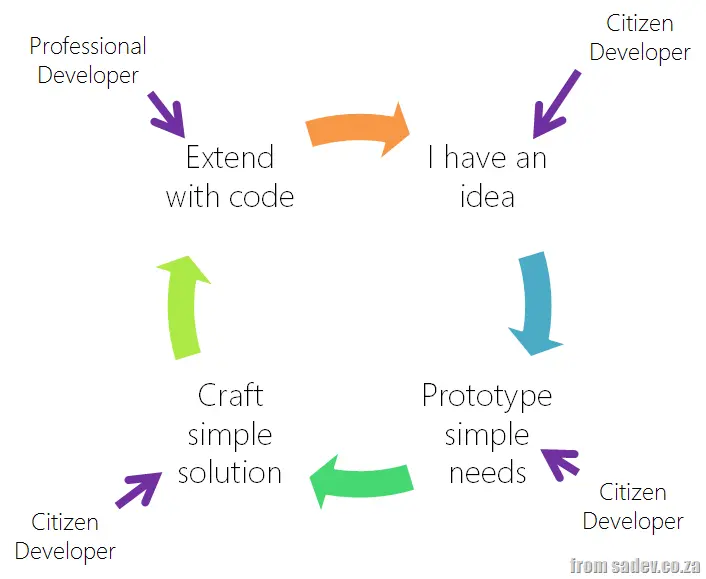 Both statements from the team are true and false at the same time. Sure, your accountant can build a CRM system with no code in Lightswitch, but Lightswitch’s true value is that it is a professional development tool. In reality, unless it’s a really simple solution, you will need a touch of code.
What’s great is that Lightswitch allows citizen developers to write a system that can be matured by professional developers later on—its power is that it does not lock you into being too simple or too complex a development system.
For me, the value proposition is that you get real rapid development: citizen developers can put together and extend solutions that are well-architected. And when the need arises, a professional developer can extend that solution and hand it back over to the citizen developer—it is the circle of Lightswitch.
Architecture
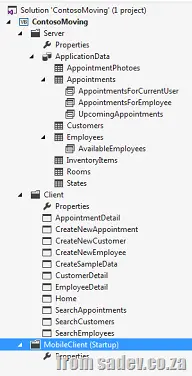
When you craft (avoiding the development term here on purpose) a Lightswitch application, you create a multi-tier architecture, which is either two-tier (client & database) or three-tier (client, server & database). Two-tier is really three-tier, but the server & client are just one package.
The database can be any supported by Lightswitch; the middle tier is OData, and the front end is Silverlight. The choice of front end has recently hurt Lightswitch because Silverlight is dying. However, if you step back for a second and think about it, Lightswitch provides the easiest and fastest way to build a complete (and I mean complete—authentication, methods, proper design) OData solution. You could always ignore the client portion and build on top of the OData server.
Making an HTML Client
The HTML client mode for Lightswitch is a recently announced new feature that allows you to build a client that runs in a browser—not just Internet Explorer on Windows (Dynamics CRM, I’m looking at your shameful behavior)—but pretty much any browser, say on an iPad:
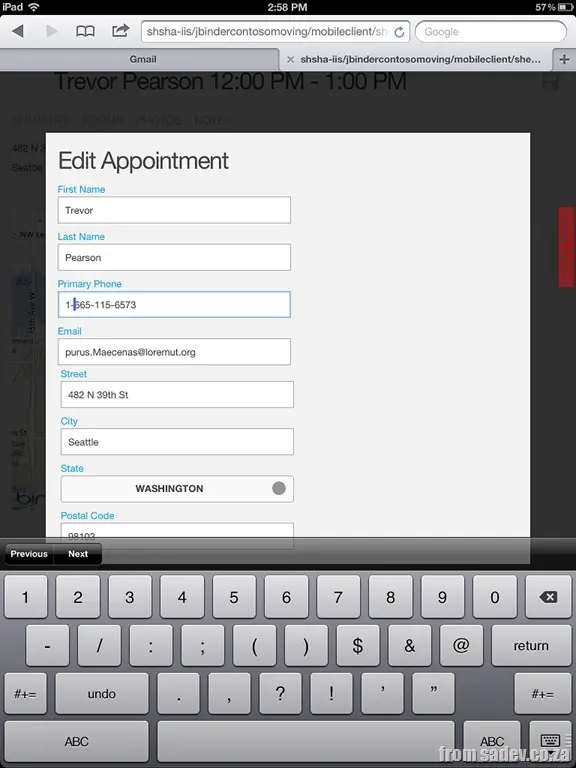
This is possible because of two things: the OData server, which allows any technology to connect to it, and the second piece of the Lightswitch system—the LSML file.
I hope you’ve never heard of the LSML file, as it is not a nice place to go—it is a MASSIVE (even simple demos I build are thousands of lines) XML file that stores ALL of the Lightswitch system in a “Lightswitch domain language.” This enables the team to take that information, parse it, and produce output based on it. So the concept of producing a parser that creates HTML rather than Silverlight is really simple: just build the parser.
What do we know about this HTML client so far?
It is early days—in fact, there are no bits available yet—but we do know some things from the demos and screenshots that are available.
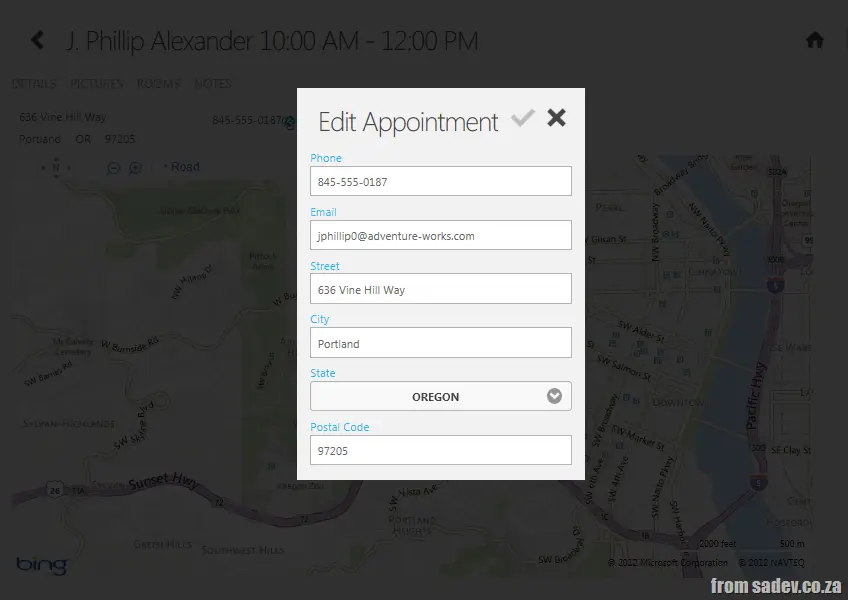
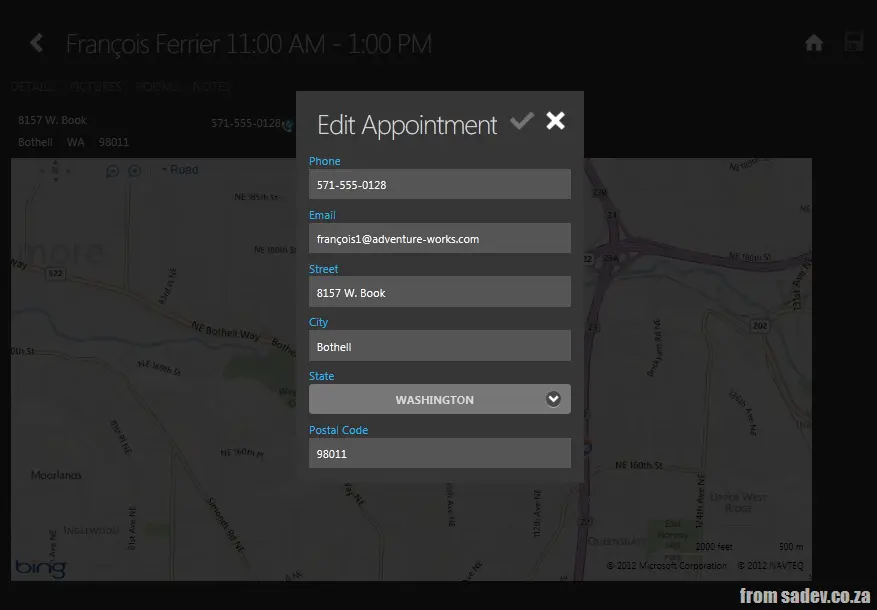
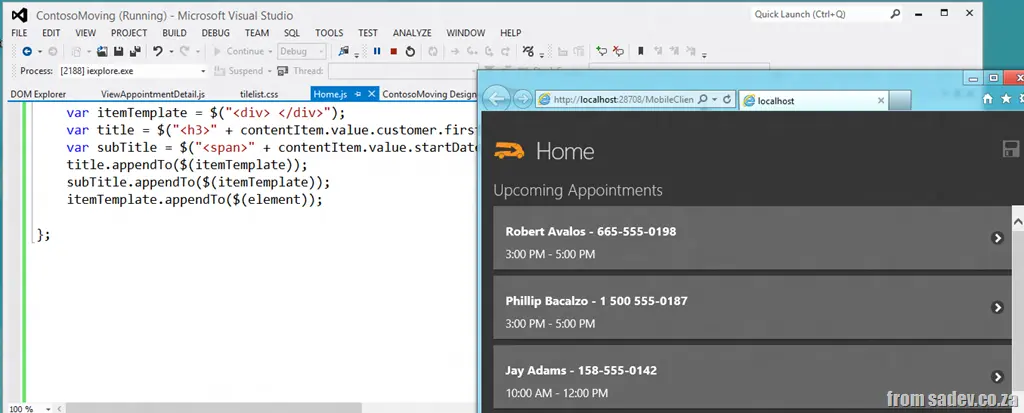
- Multiple themes will be supported (there is a dark & a light at least)—thanks to the jQuery Mobile that powers it.
- It is a separate client—so you will have a Silverlight experience and then also have the HTML experience added in.
- It follows the true Lightswitch model of being easy to build with no code, but if you need that little extra, the JavaScript can be edited.
The Important Two Issues
To wrap this up, it is a very exciting time for the Lightswitch world with so much happening that I think it is important to take a step back and find a few key aspects about this amazing feature that will help position it. Two really stand out from all the announcements:
Separate Client
This is not a Silverlight-to-HTML generator—it is separate. This means that awesome Silverlight chart you use today will not magically work in the HTML client. This has both advantages and disadvantages, but if you think about the dying of Silverlight, I’m very glad they have a whole new growth path.
It also allows for the real scenario of supporting a rich experience in Silverlight in a company (where we control all the machines and know we can run Silverlight for a long time still) and having a mobile or companion experience in HTML for those people on the road. Sure, they don’t get the great sales forecast chart, but they can still capture their sales on their iPad.
Web Developers
A recent survey of app developers looked at what they are building today, what they were building, and what they intend to build in the future (future = one year in this survey). Interestingly, there are only TWO platforms that are getting growth in the future: HTML & Windows Phone. Android, iPhone, and many others are all expected to decline.
If you think about those numbers and add in the MASSIVE investments in HTML development that are in Windows 8, it should not surprise you that web development is a MAJOR area in the future of all developers. It also means that web developers can start to have way more opportunities in the market outside of building websites & portals, and that is very exciting—as that little garage web designer company today could be a major line-of-business developer in a few years.