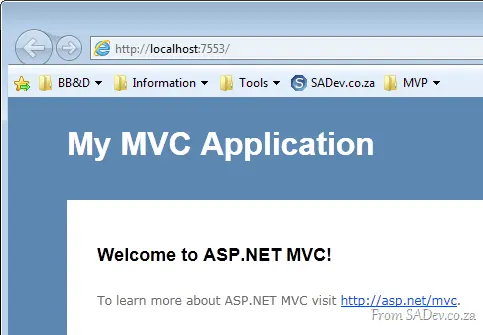
Internet Explorer 9 breaks with localhost


There is a known bug for this 601047. This is resolved with RTM! You can hear Eric Lawrence talk about this bug on the Herding Cat Podcast.
Internet Explorer 9 works great—except when it doesn’t—and it seems to not work for developers more than most. Or maybe it’s just me (could the IE9 team be targeting me?).
Paranoia aside, there’s an issue where testing web applications (ASP.NET, MVC) or Silverlight applications from Visual Studio (i.e., press F5) just refuses to load. Thankfully, this has been confirmed by others 😉.
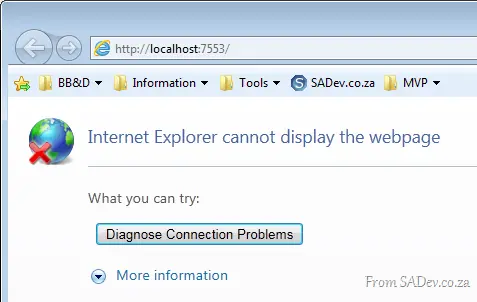
What’s going on, and how do we fix this? Because it’s really frustrating—and it also makes for bad demos, especially with TechEd around the corner.
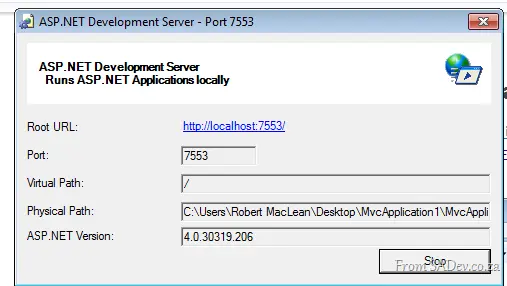
The first part of the problem is the ASP.NET Development Server, which hosts your websites when you press F5.
The next part of the problem is Windows, especially since it assumes IPv6 is better than IPv4. Note in the picture below that when you ping localhost, you get an IPv6 address.
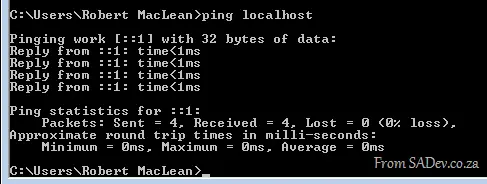
What appears to be happening is that when IE9 tries to go to localhost, it uses IPv6, but the ASP.NET Development Server is IPv4-only. Thus, nothing loads, and we get the error.
To solve this, open Notepad as an administrator and navigate to <windows directory>\system32\drivers\etc\ and open the hosts file. Inside, you’ll find lines prefixed with a hash (making them comments). Remove the hash from the line with 127.0.0.1, as shown below, and save.
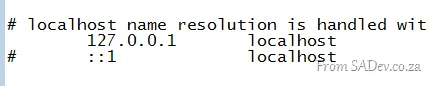
This will force Windows to resolve localhost to IPv4 first (you can confirm by pinging localhost), meaning IE9 will do the same—and now it works every time.