How to update git-tf?


I love Git – it lets me work the way I want and wherever I may be. I love TFS – it has everything companies need for development projects. This is why I love Git-tf, as it gives me Git but with all the professional tooling from TFS that serious development needs. However, I have found that upgrading Git-tf isn’t obvious, and in fact, you may get it wrong without knowing!
I was doing it wrong
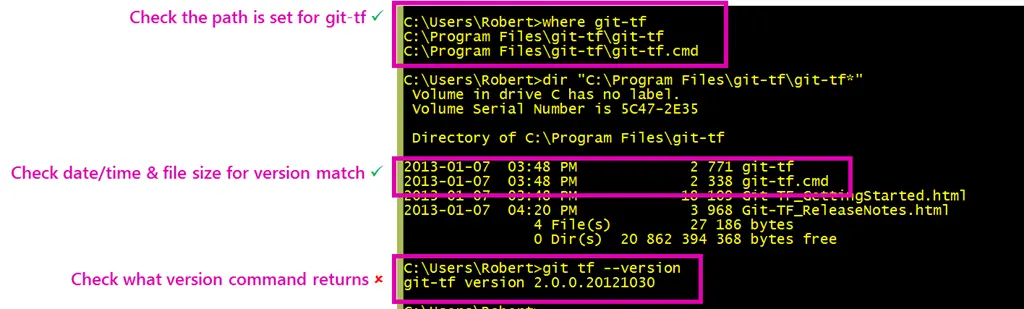
Since it is just a file copy deploy (i.e., drop files into a folder), I had assumed that you could just do a file replacement when a new version—however, I noticed recently the version numbers didn’t match up after an "upgrade."
Solution
The solution is to delete all the files in the folder first—then you copy the files into that folder. Once you do that, it just works!
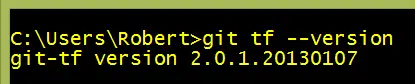
It is odd, but it works—and that is what matters.
Special thanks to Richard Banks for pointing out this solution to me 😊