How I Build Presentations, day 3: Demo shells


For the rest of the posts in this series, please see the series index.
Today’s work focused on the final reference demo for my presentation. For this presentation, I need two: first, a simple one to get the basic concepts understood and then a second, which is much more complex and tougher for me to code. This is no quick task—as just this reference demo took me almost 6 hours to get it to the point where I was happy. Often, during the building of the reference demo, two side effects occur. The first is that I am learning, so I get the chance to find solutions and blog about them.
The second side effect is that it makes me think of what sort of questions will be asked during the presentation. It is very important to spend time thinking about this, because while things may seem obvious to me, they may not be to others. Remember, your presentation doesn’t end with the slides—questions afterward are part of it too, and you need to prepare for them.
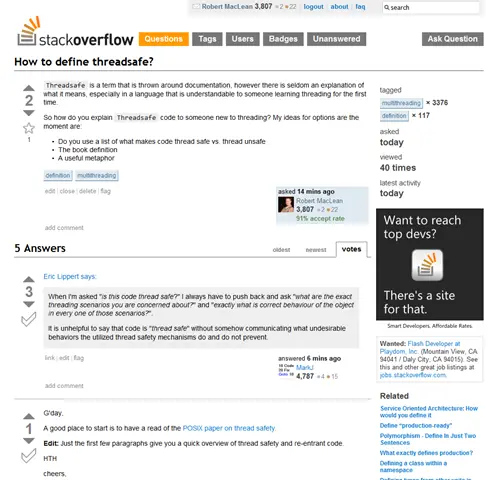
One of the ways I research is to post questions to StackOverflow.
Once I have the reference demos built, I can then take them and build a new application from them—this new application will be the core for the actual demos. This is a tough exercise because I need to separate out the important code from the bits that are needed but do not help enlighten the audience. For example, if I had a WinForms app as a base for a demo, I will often have the UI built but won’t have all the events hooked up.
The next step is to figure out the best way to explain the important code: typing it in during the demo, copy-paste, or even simple un-commenting of code—whatever works best for the scenario, as each has various trade-offs. After I’ve done this exercise, I’ll have one fully developed application and one shell of an application for each demo.
Once I had finished my application base today, I went back to the slide deck again. It is quickly changing from being a storyboard to becoming a slide deck as I work on the content and flow more. For this presentation, I can feel I’m over the big hump of “what” and starts to come together quicker.
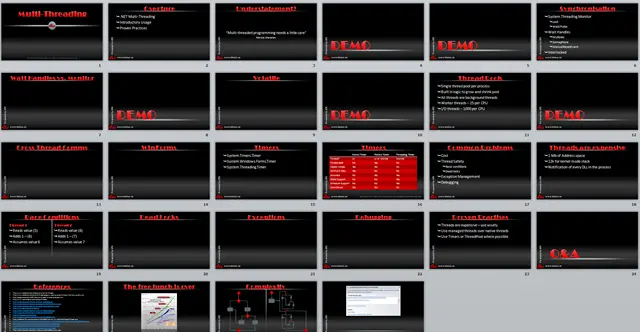
Slide deck at the end of day 3.