Delphi Prism: Part 3: VS 2008


So now we have completed the install. Let’s run it. To start off, we’ll try VS 2008 first.
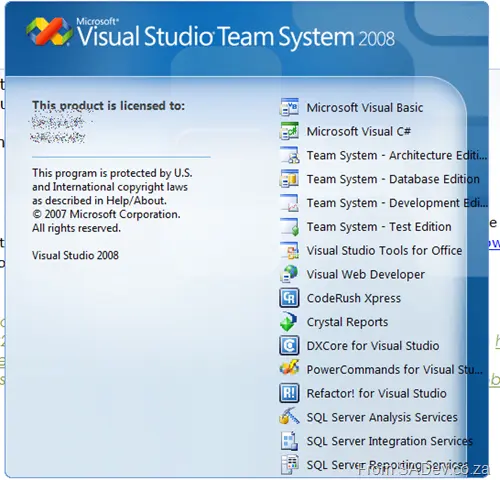
Hmm, nothing new on the splash screen.
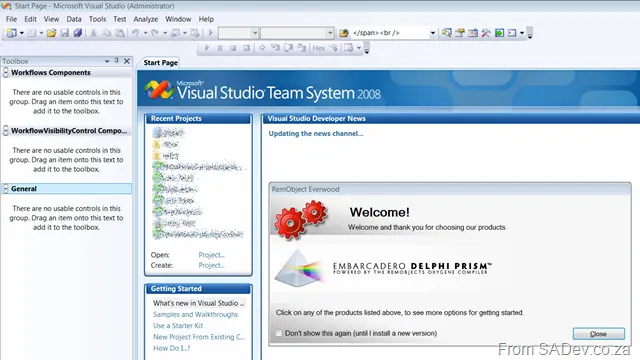
Ah, there is a special window. This could be annoying, though—maybe "Don’t Show" should be the default.
In the New Project dialog, there it is: the Delphi Prism section. Yes, changing the framework version changes what’s available—same as in C# or VB.NET:
[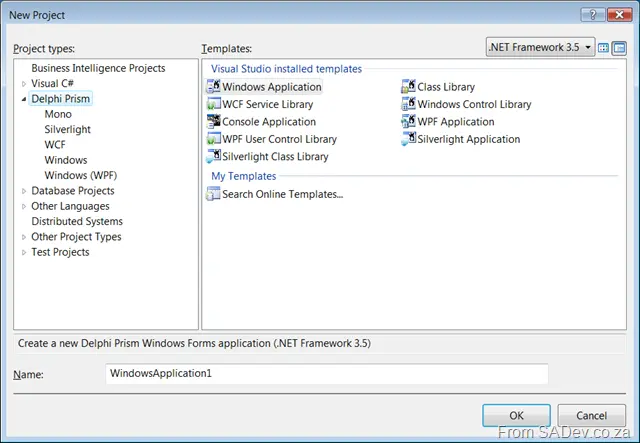 ]
]
Interesting is this sub-section called Mono, which has GTK# and Cocoa options!!
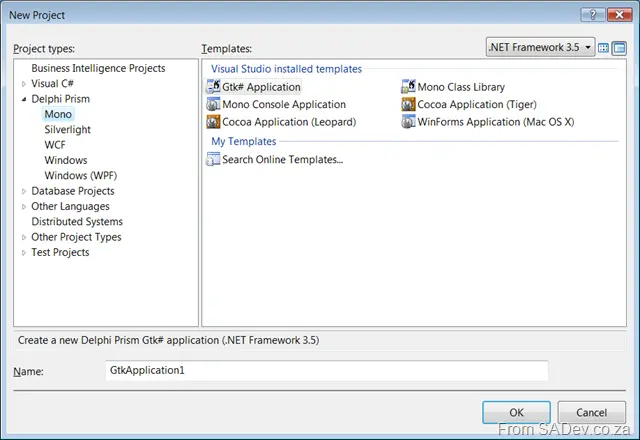
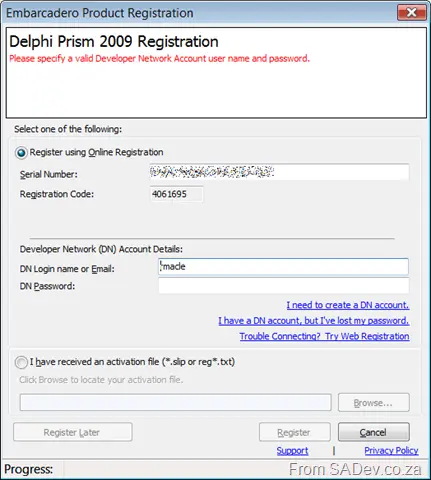
I first chose GTK#, and I got prompted for registration… damn, more remembering of that BDNCDN password 😒
Right, so let’s just compile and run… and boom—that failed 😒
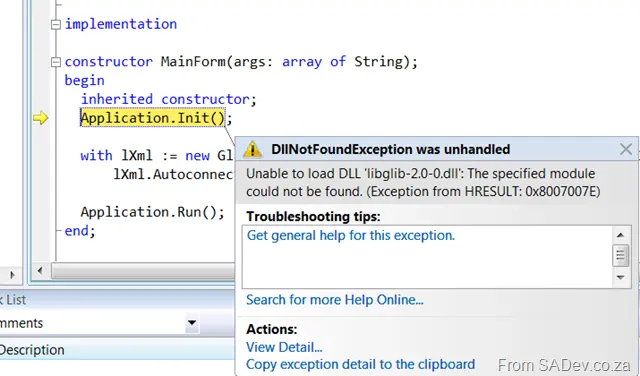
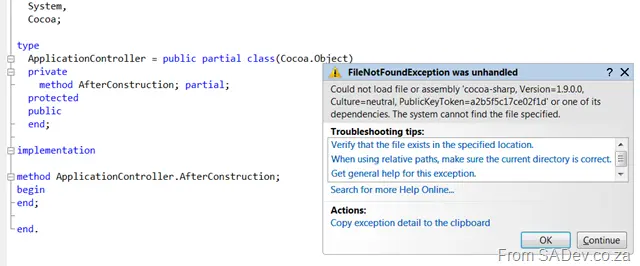
Right, maybe GTK# needs something? Let’s try Cocoa (Leopard)… which also boomed 😒
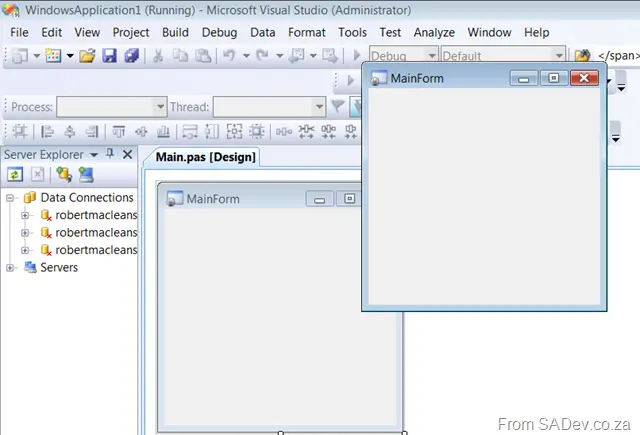
WinForms on OSX… that works 😊
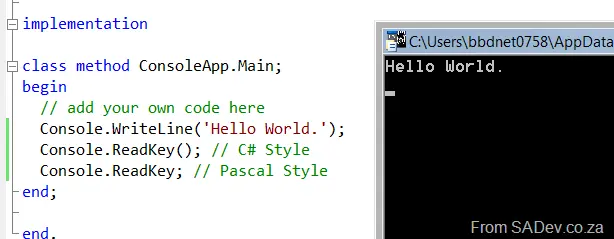
GTK#/Mono Console App… that works too! Love the base code (hello world). I added ReadKey() to test the various styles, and both work (check the screenshot).
How about good old Windows WinForms-based? That worked too! 😊
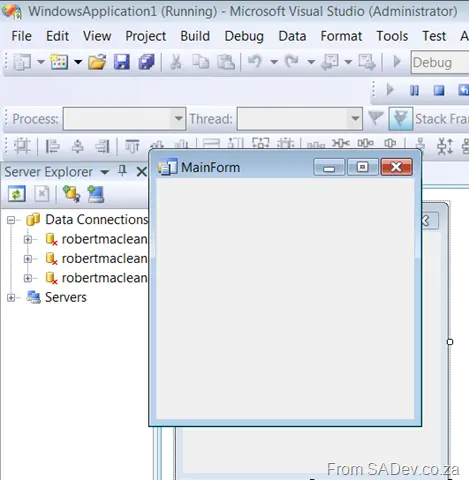
So I drop a button onto the form and double-click… hmm, no partial class support, so everything goes into the main.pas, same as C# in Visual Studio 2003. Anyway, this lets me try some things—first, IntelliSense, which works great:

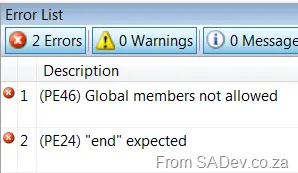
Error messages look slightly different:
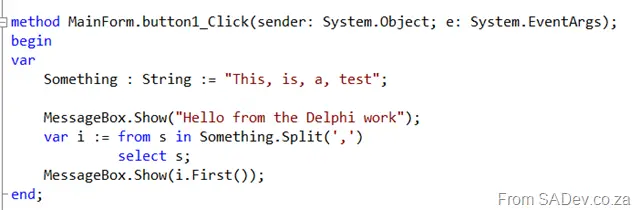
And LINQ in Delphi works!!
Right, enough basics for this post.