Delphi Prism - Part 2: Installing


So continuing on from part 1…
My machine (Windows Server 2008) already has Visual Studio 2008 installed, so this may be different for those who do not already have it. This will be a lot of pictures showing step-by-step the installation and my comments on that.
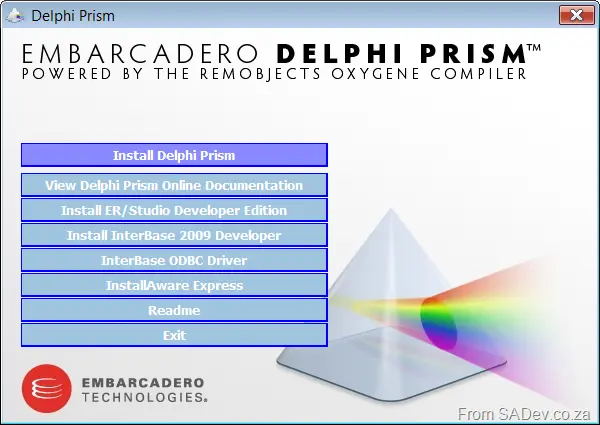
The standard splash screen for any application.
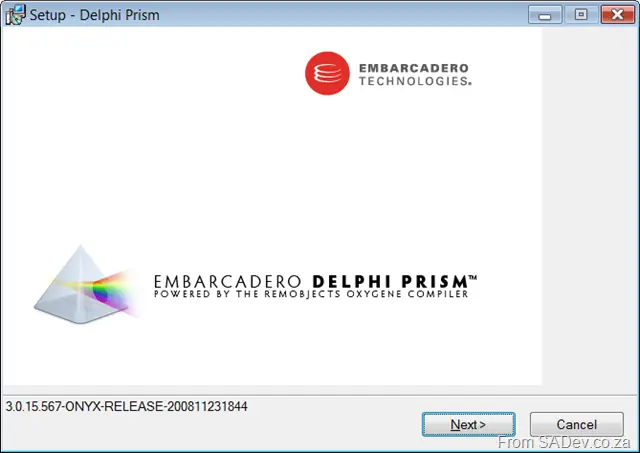
First window of the wizard installer. Interesting is the version number there—I wonder if "Onyx" is the codename for this product?
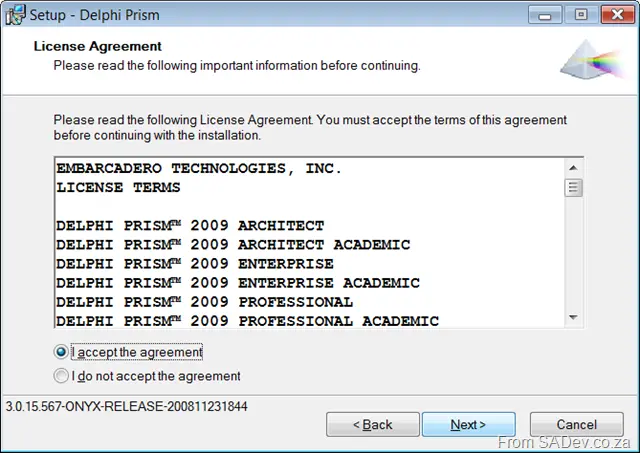
Same as what is in license_??.rtf in the root of the disk.
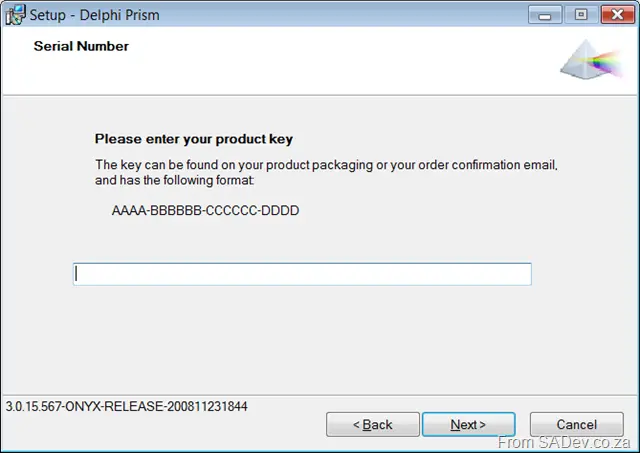
Enter key—what key? Damn, need to find the mail they sent me… Gmail here I come. Damn, no key in the mails they sent me. Okay, back to the Embarcadero site. Oh, look—I had to enter that manually. WTF, why don’t you send it to me when I click download? Oh well, guess I can’t get everything.
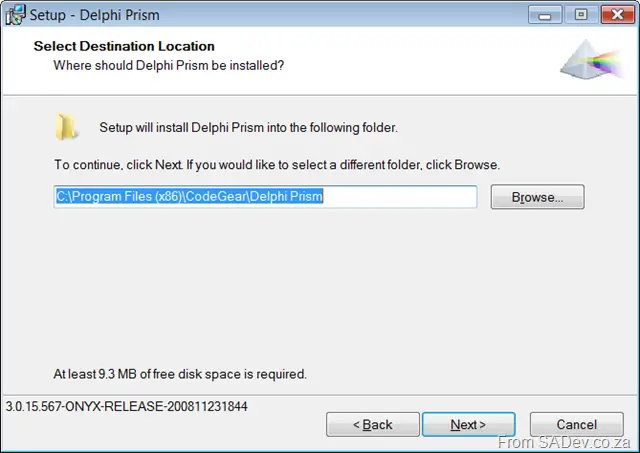
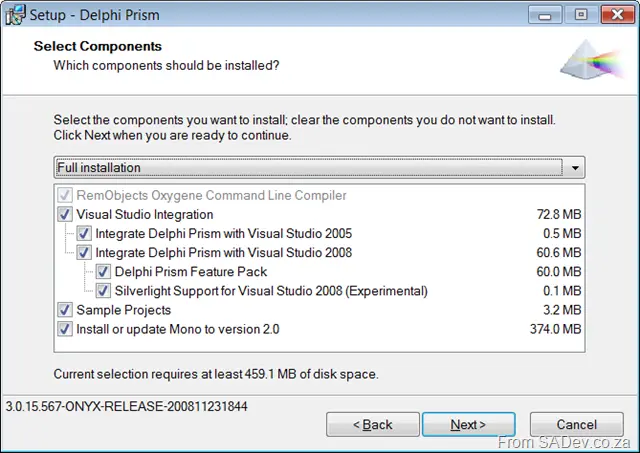
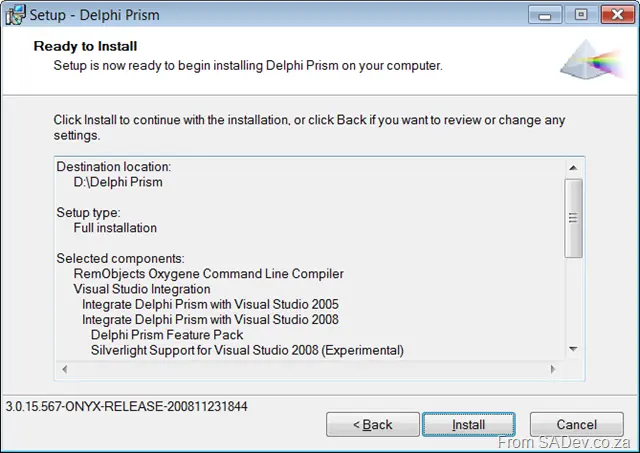
This is interesting—since I have Visual Studio 2005 installed as well, it seems to integrate with that too (cool). I make this assumption because the shell on the disk is only for 2008. Silverlight support is also interesting.
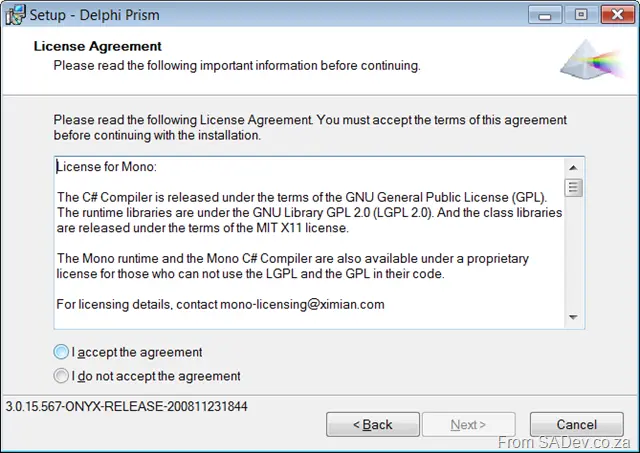
Mono license.
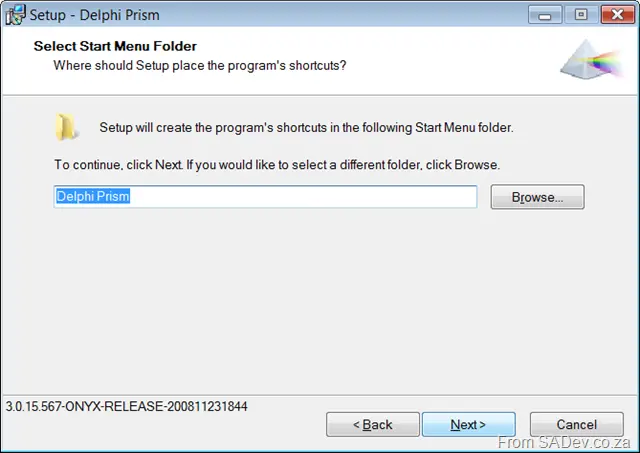
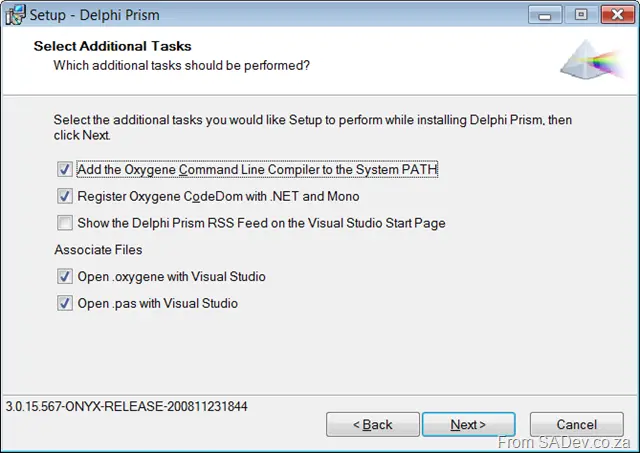
Hey, thanks for giving me an option to change my Visual Studio start page to Delphi Prism. The SQL guys could learn a lot from you—they just set it to Microsoft.com/sql regardless of whether you want that or not.
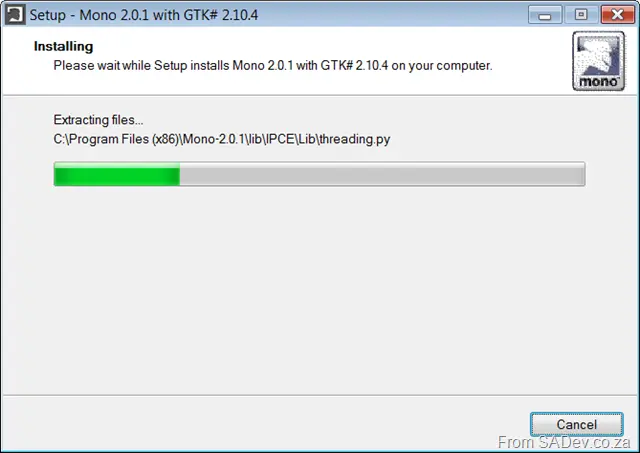
Mono installs first, then
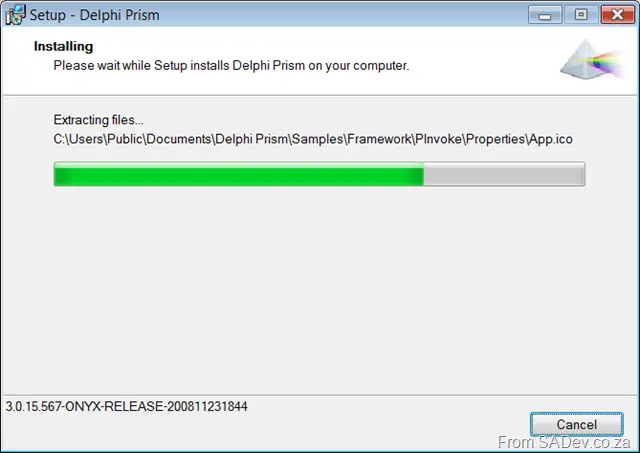
Prism actually installing.
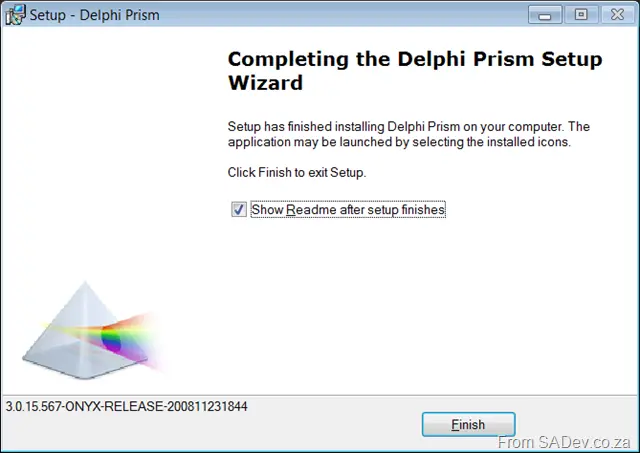
And done! From start to finish in under 10 minutes!
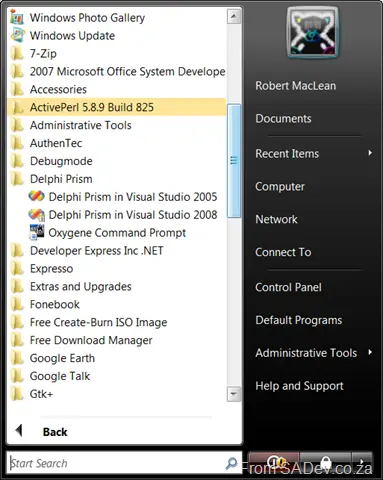
Icons in the program list.