Dealing with off by x issues when using the TextBox


Introduction
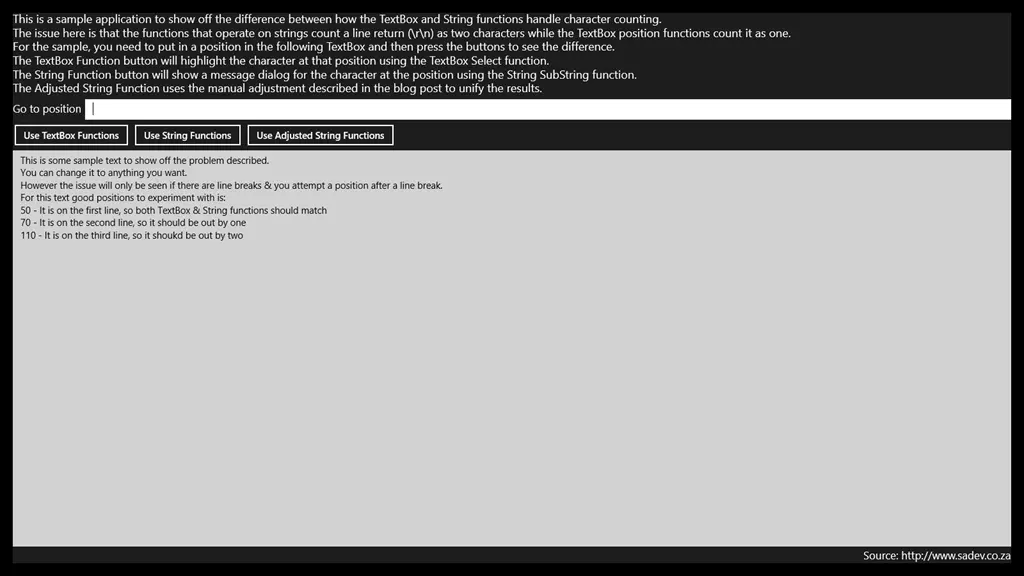
One of the toughest problems I faced when I built Notepad Classic was an issue where many functions—like Go To and Find—were always off by a few characters. After some experimenting, I noticed a pattern: the offset equaled the line number (0-based).
For example:
- No issue on the first line (line index 0);
- Off by one on the second line (line index 1);
- Off by two on the third line (line index 2);
- Off by three on the fourth line, and so on…
Problem
It turned out that string functions count a line break (i.e., \r\n) as two characters—which is correct, since it consists of a \r and a \n. However, TextBox functions like Select treat \r\n as a single character because that’s how it appears visually (a line break is one visual character). This discrepancy caused the "off by one × line count" error.
Solution
To fix this, I compensated by calculating the number of line breaks before a given position and adjusting the results accordingly (+1 for each \r\n).
A sample application demonstrating this problem and solution can be found at: https://bitbucket.org/rmaclean/off-by-one-x-sample-code