Creating a timeline chart in Excel 2013
Published on Estimated reading time: 1 minutes


Here is my awesome trick to create a nice timeline effect in Excel and I’ve created a short 10-minute video showing how you can do it too!
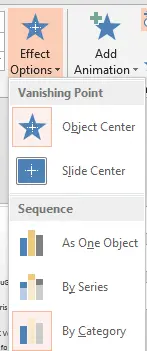
While this is pretty awesome in itself—because it’s Microsoft Office—you can easily copy and paste it into PowerPoint for presentations. Then, by simply changing the Effect Options ► Sequence to By Category, you can get a great effect where each event pops in one by one.