Cannot connect to LocalDB from .NET


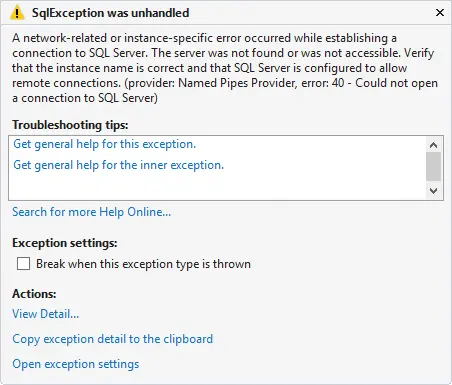 You are trying something simple – just open a connection to a LocalDB instance from .NET, but it is failing with a
 SqlException with the following message:
A network-related or instance-specific error occurred while establishing a connection to SQL Server. The server was not found or was not accessible. Verify that the instance name is correct and that SQL Server is configured to allow remote connections. (provider: Named Pipes Provider, error: 40 - Could not open a connection to SQL Server)
You know LocalDB is working, since you copied the connection string from within Visual Studio, but it just doesn’t work!
The cause of this issue is the connection string, though it may not be obvious at first glance:
var sqlConnection = new SqlConnection("Data Source=(localdb)\v11.0;Initial Catalog=Astronauts;Integrated Security=True;Connect Timeout=5");
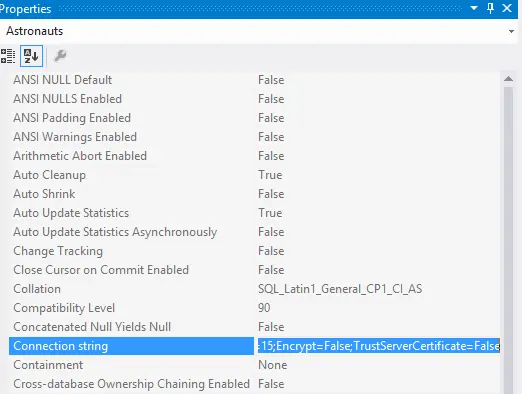
The root cause is the Data Source and the backslash (\v in it). Normally, when you have a backslash, it complains unless it is part of a valid escape sequence like \r or \t. Since it’s not complaining here, it must be treating it as a valid escape sequence—perhaps one you’re not familiar with, like \v, which stands for vertical tab.
The solution is simple: escape the backslash itself by adding another one:
var sqlConnection = new SqlConnection("Data Source=(localdb)\\v11.0;Initial Catalog=Astronauts;Integrated Security=True;Connect Timeout=5");